01
Bloggers & writers
Searching for a 'free AI image generator'? Make original eyecatch and inline images for recurring publishing needs.
Use Kales to preview characters, styles, and image workflows first. Actual generation uses the Coins, Gems, and current usage rules in your account after sign-up. See popular character samples →
Preview first, generate with account balance, then turn selected images into short videos when needed.
Browse characters, styles, and entry points before creating an account.
Start from preview →Kales does not publish a guaranteed per-day image quota. Actual use follows your account balance and current rules.
Check generation flow →After generating or choosing an image, turn it into a short AI video from the Kales workflow.
Try image-to-video →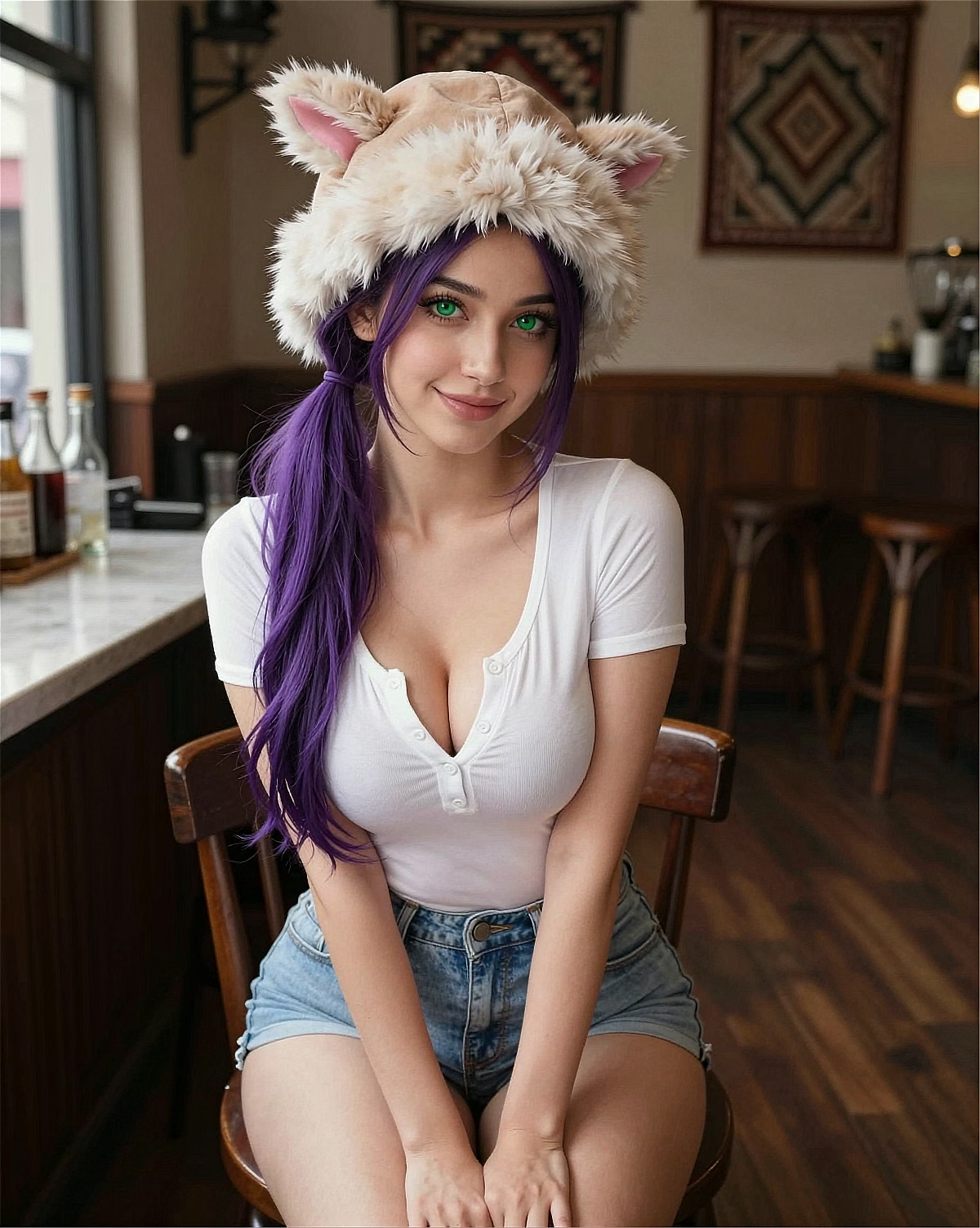
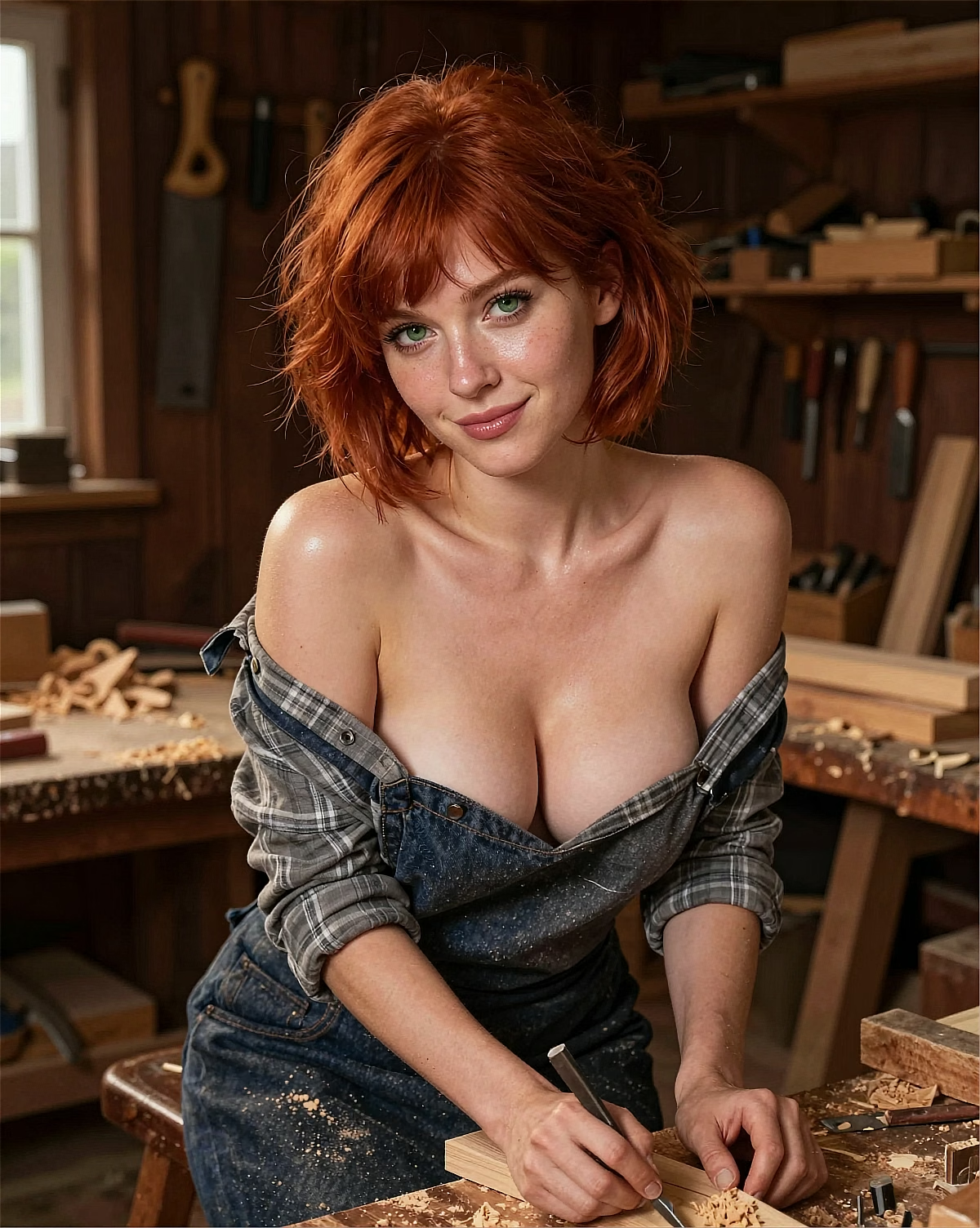
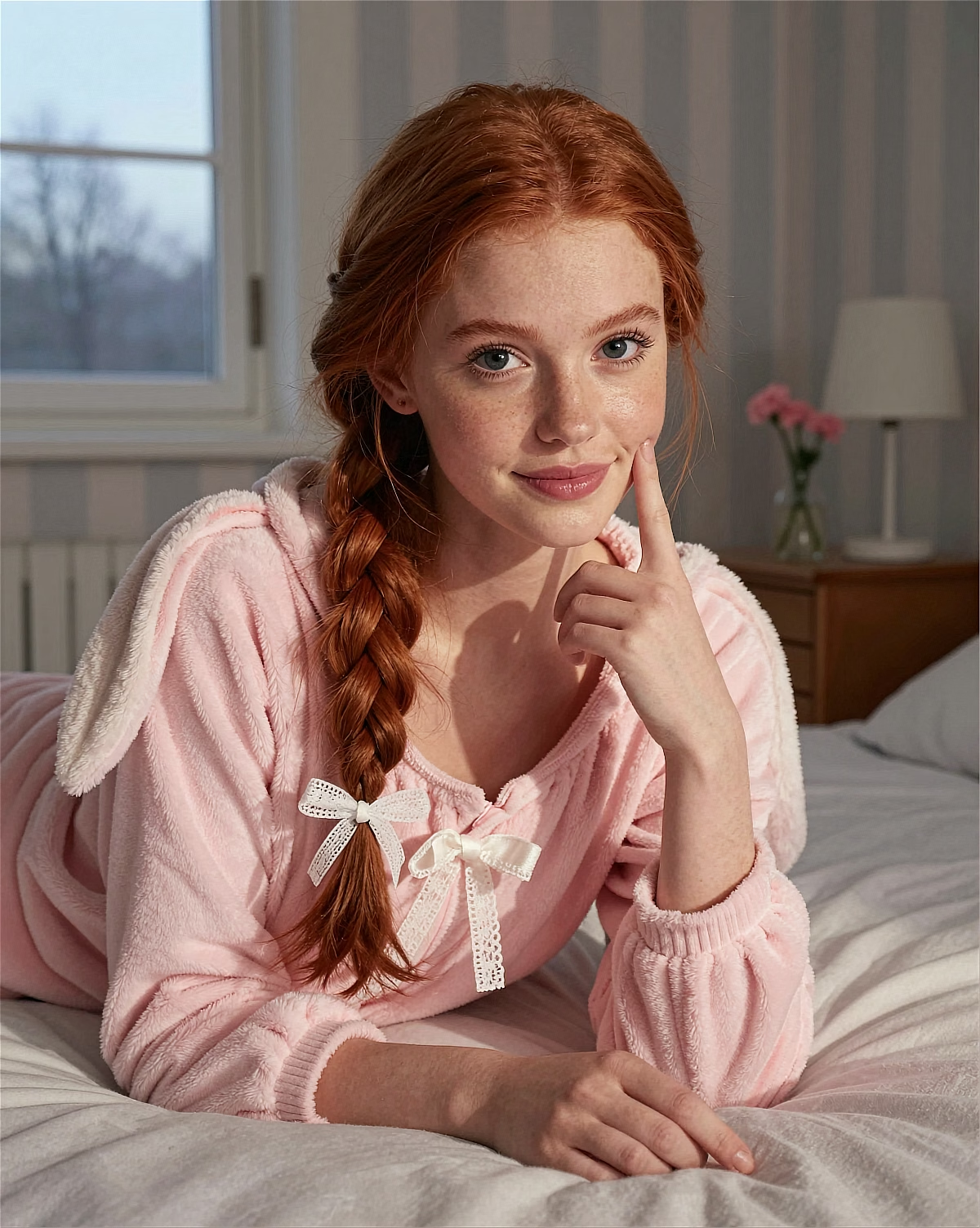
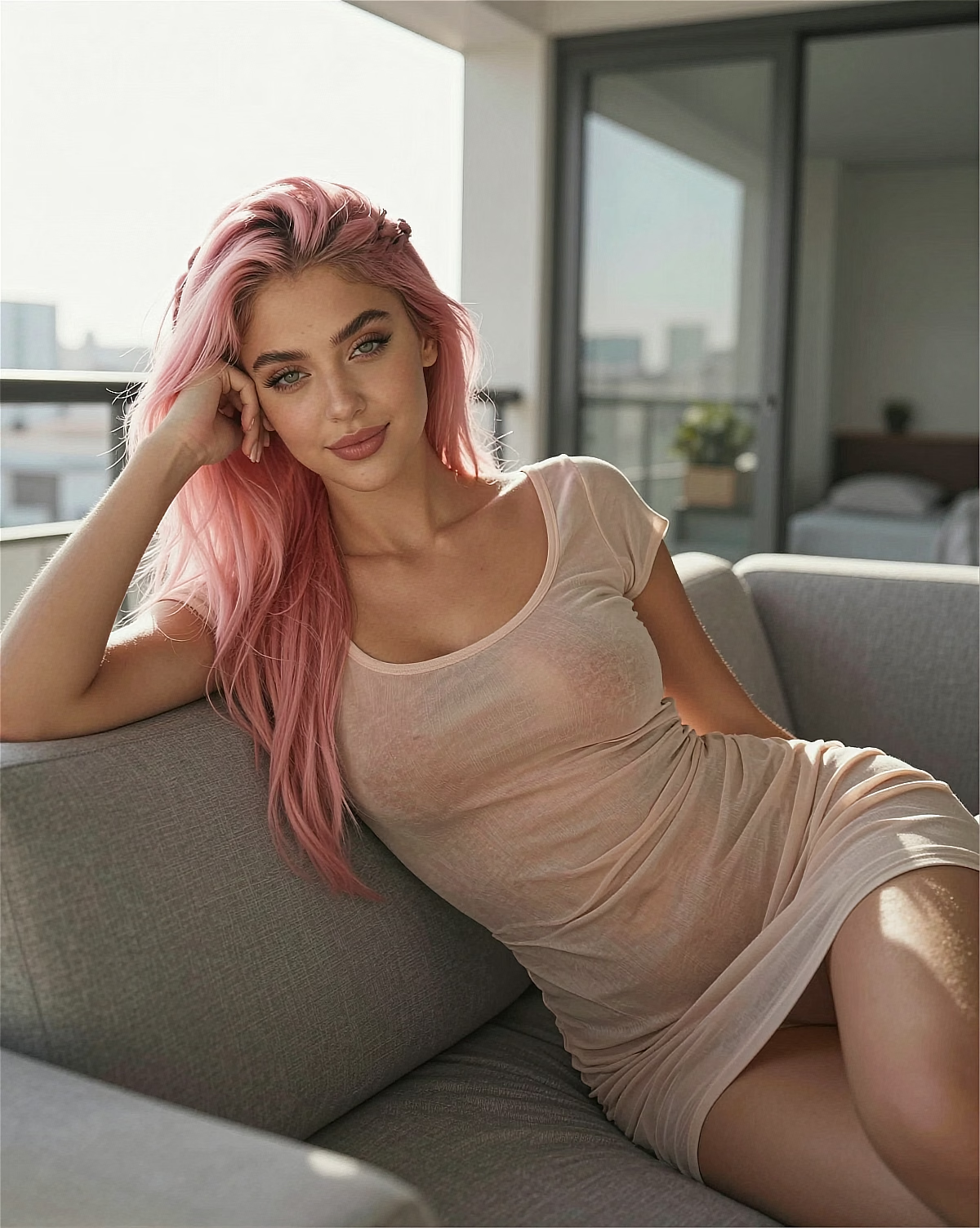
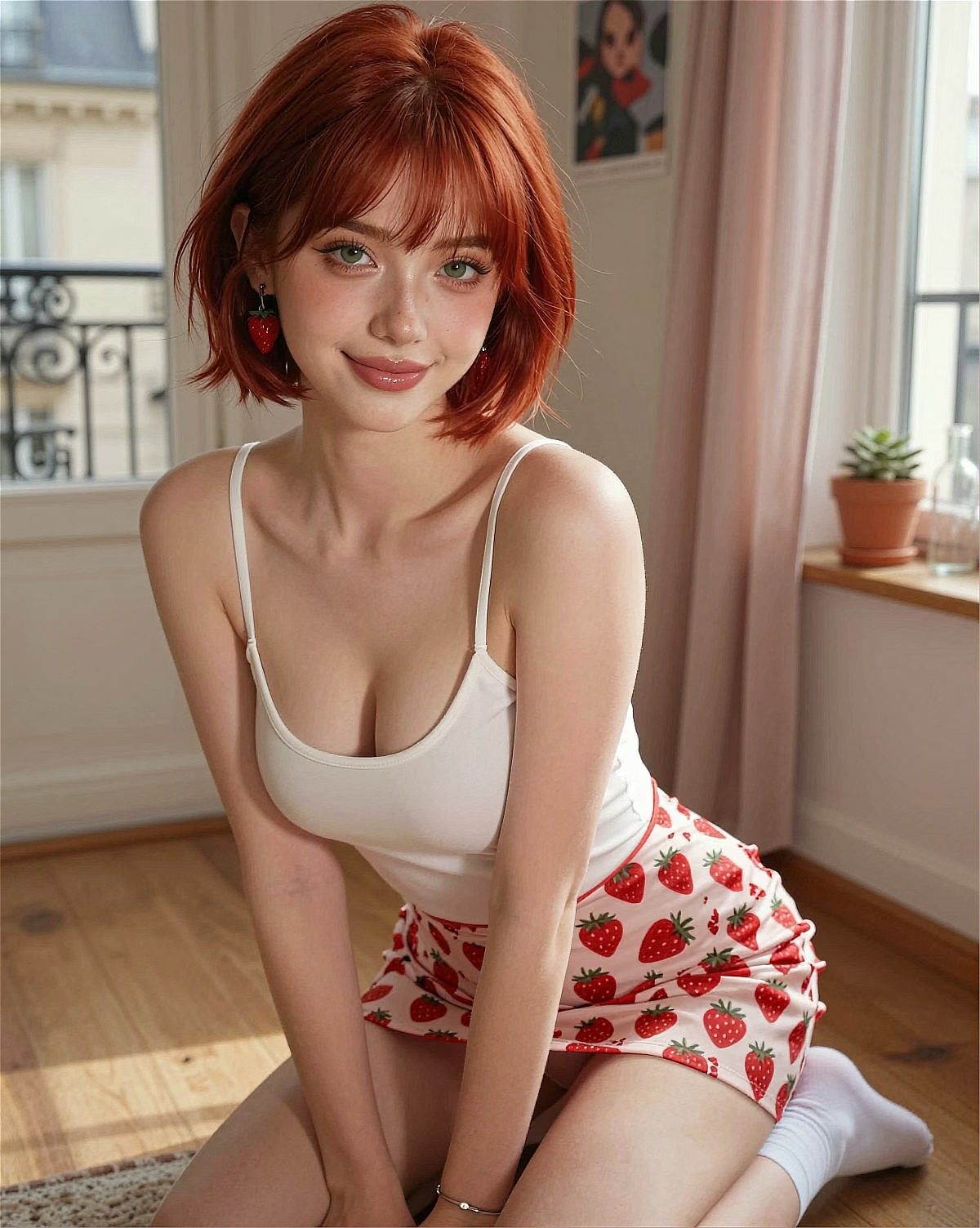
Character, style, pose, background. Pick and you're done.
Preset-based, plain-English native, i2v built in — a faster way to move from character idea to visual draft.
No spell-syntax prompts, no complex setup. Pick a character and a style, then adjust the result with natural instructions.
Type 'a schoolgirl reading at a sunset park' as-is. Plain-English understanding captures your intent precisely — Japanese and Chinese also supported.
Anime, realistic, fantasy, cosplay — combined with dozens of pose, background, and outfit presets.
After you find the right image, turn it into a short AI video inside the same Kales workflow.
Generated images can be posted or used commercially when they follow Kales Terms, applicable law, platform policies, and third-party rights.
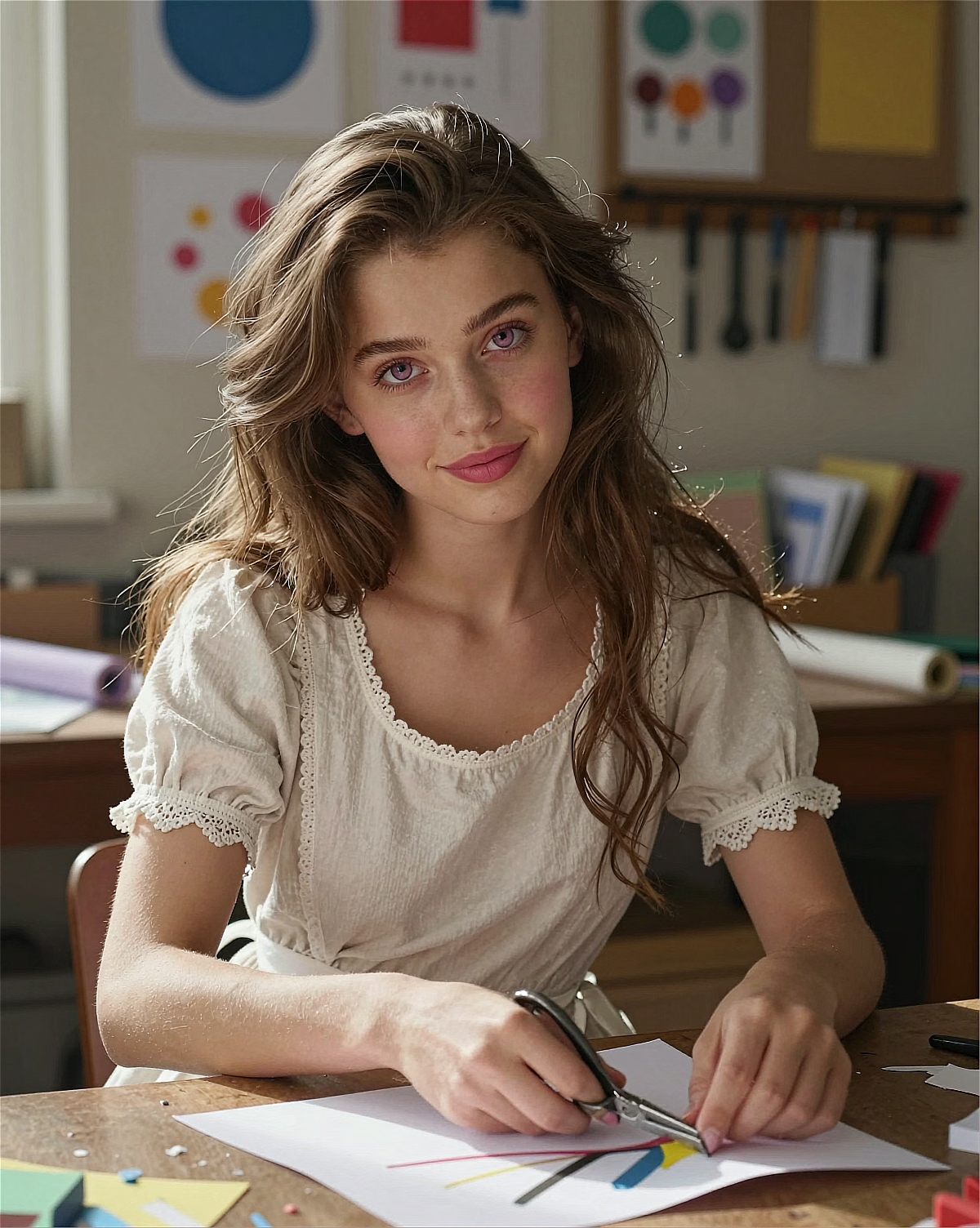
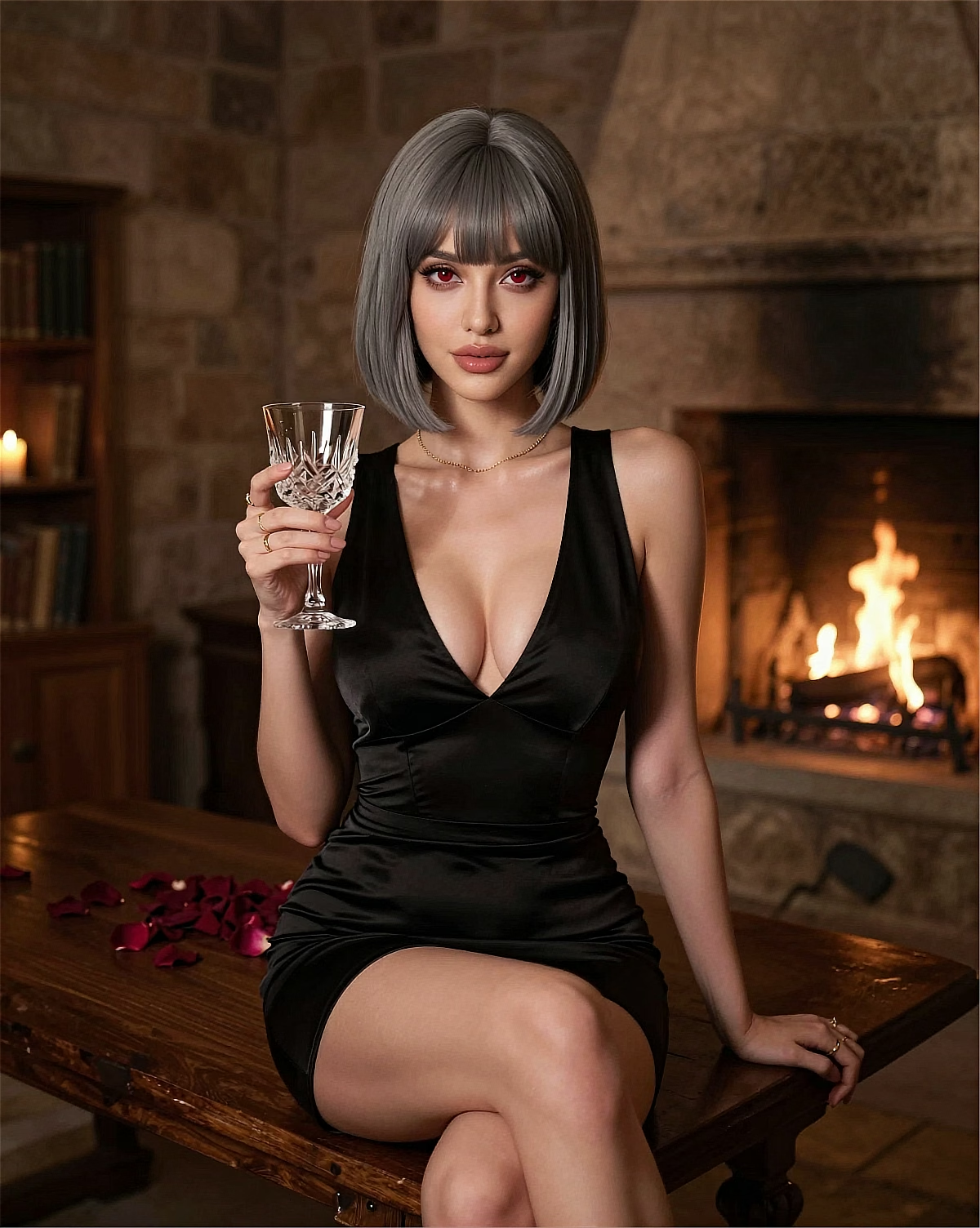
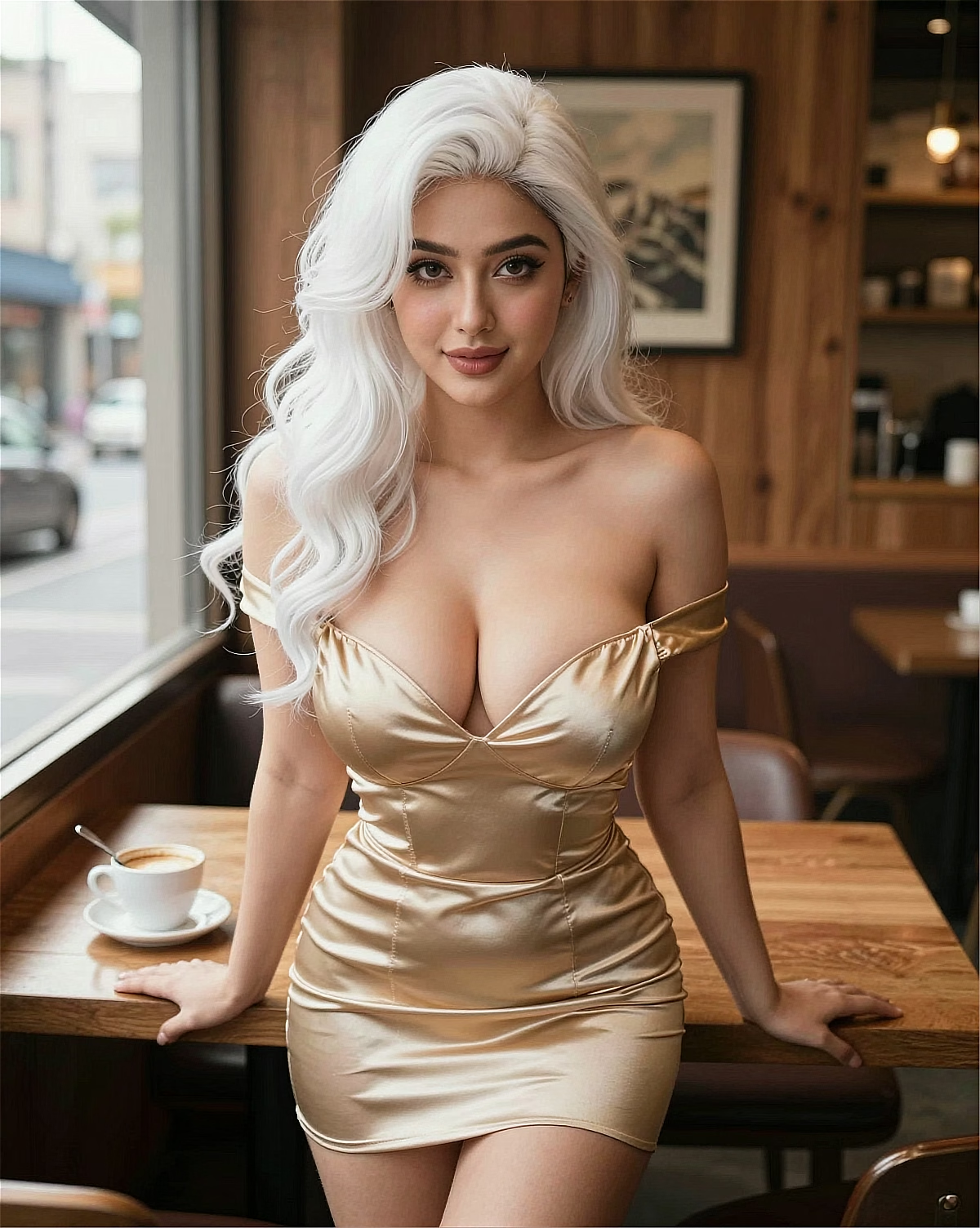
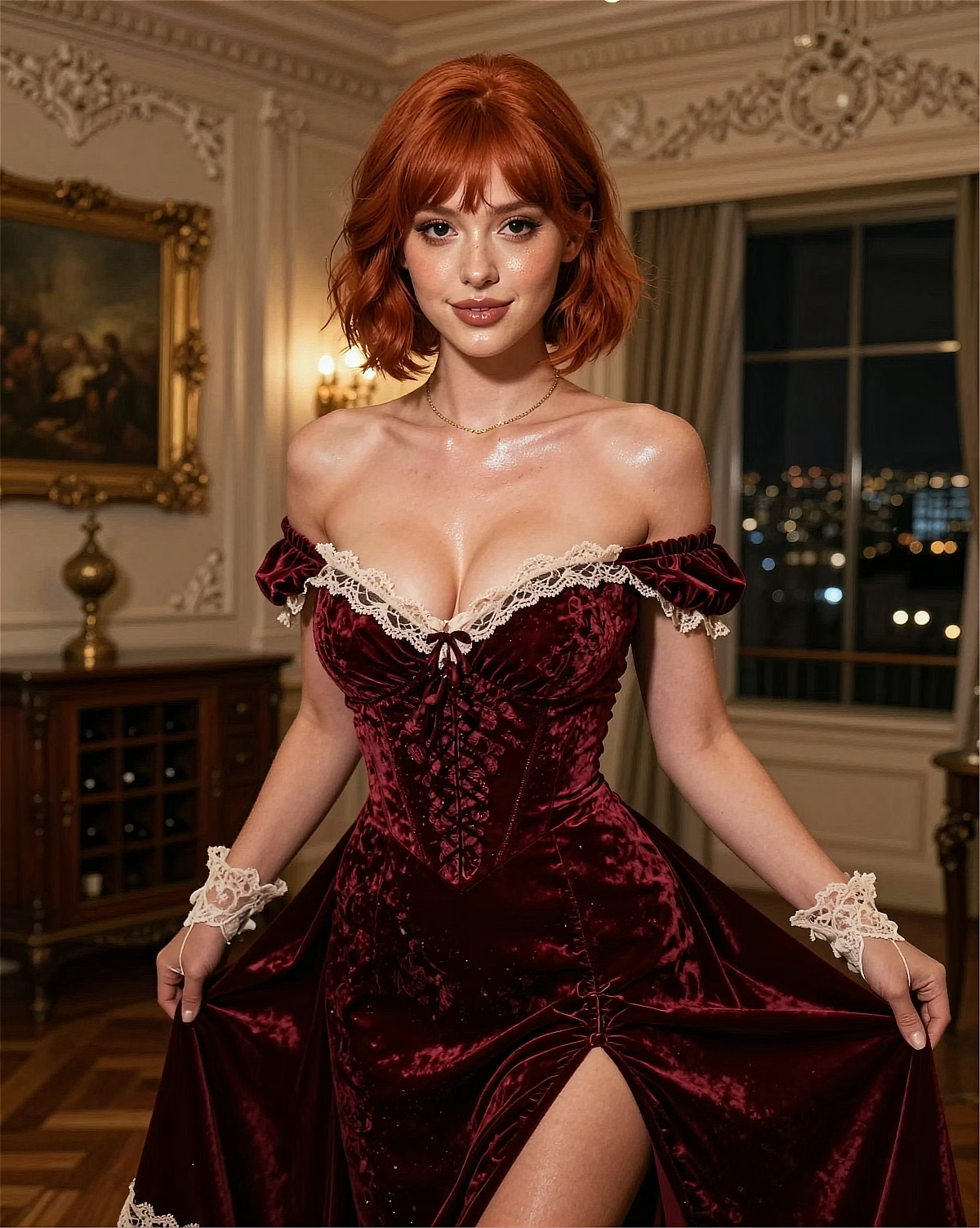
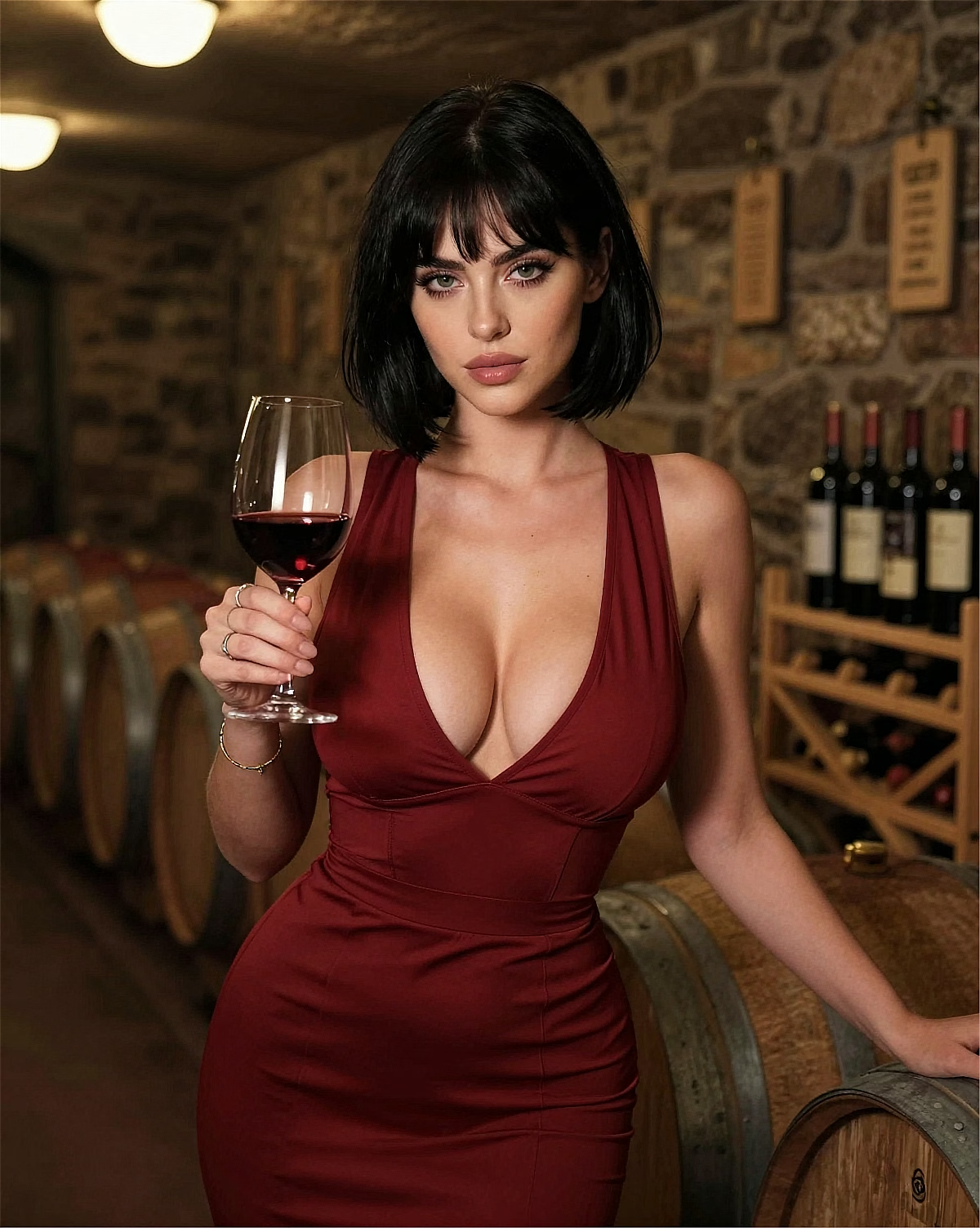
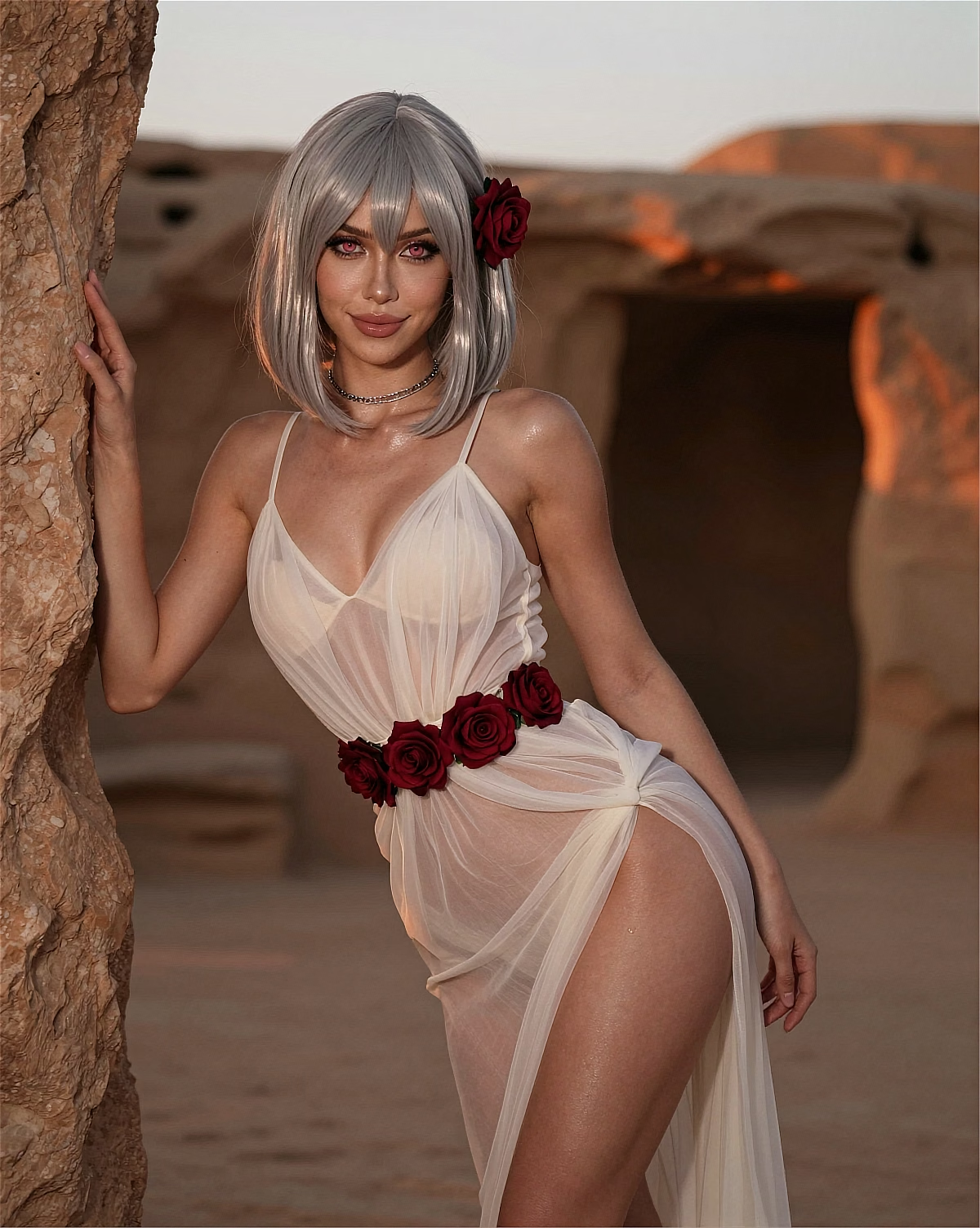
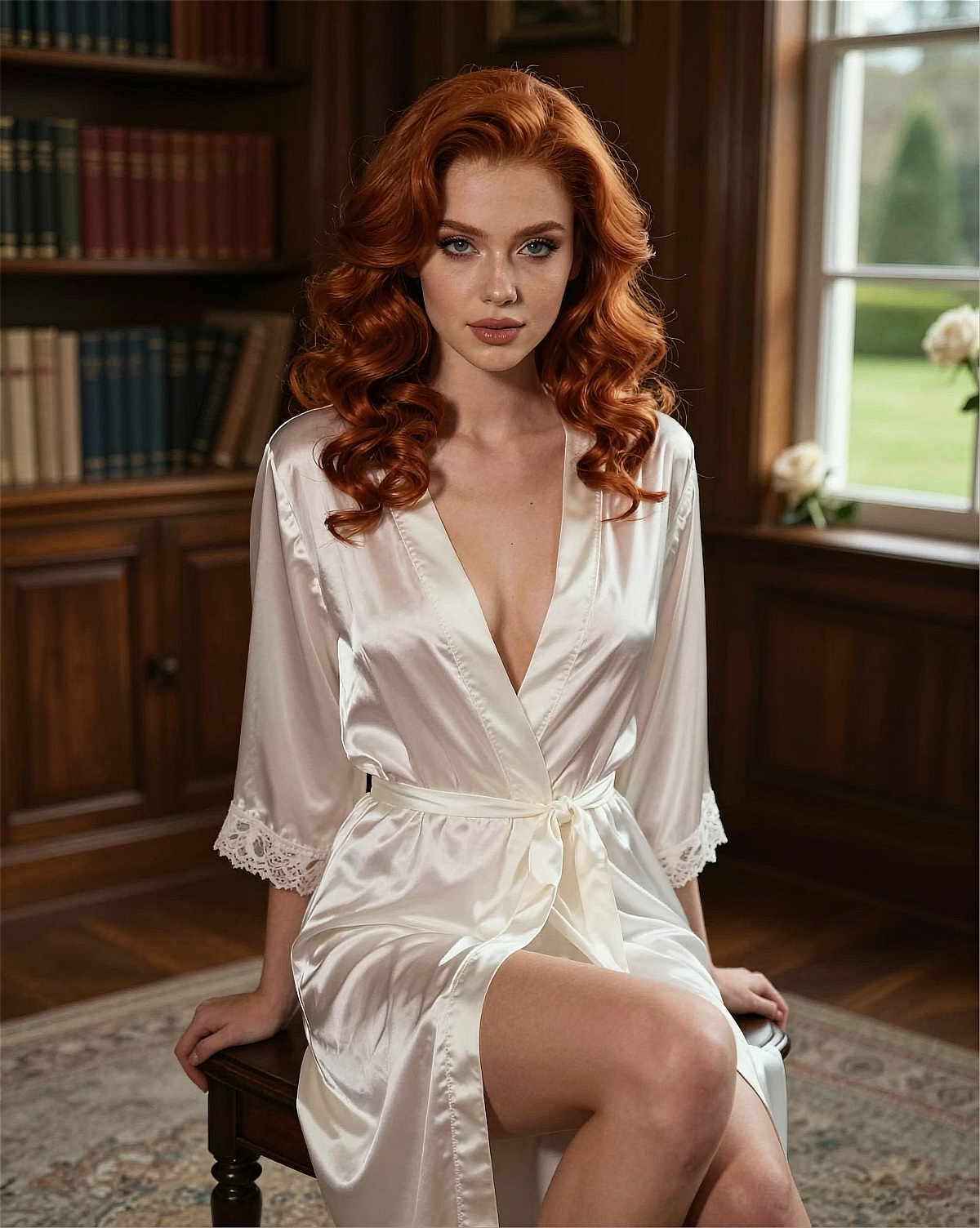
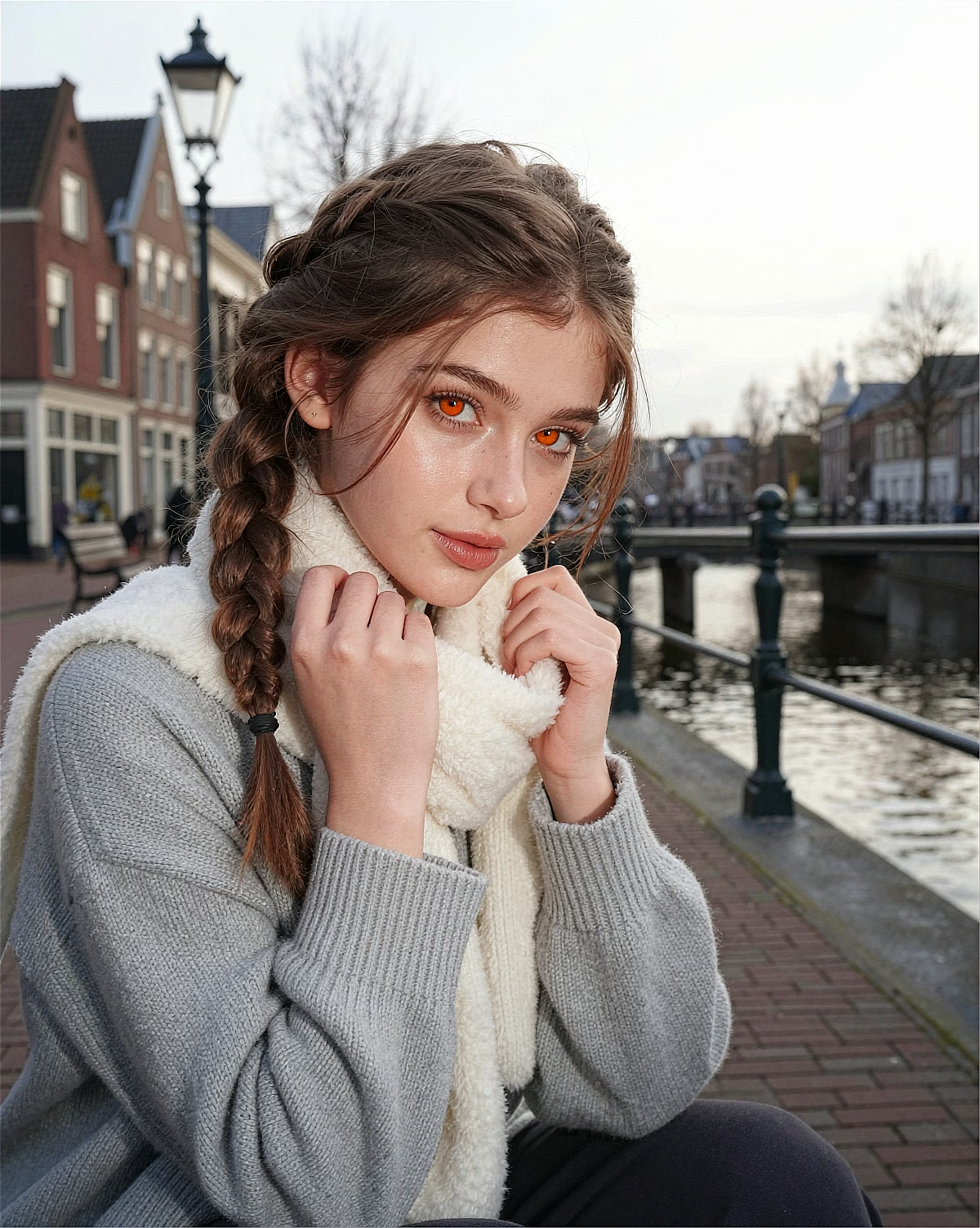
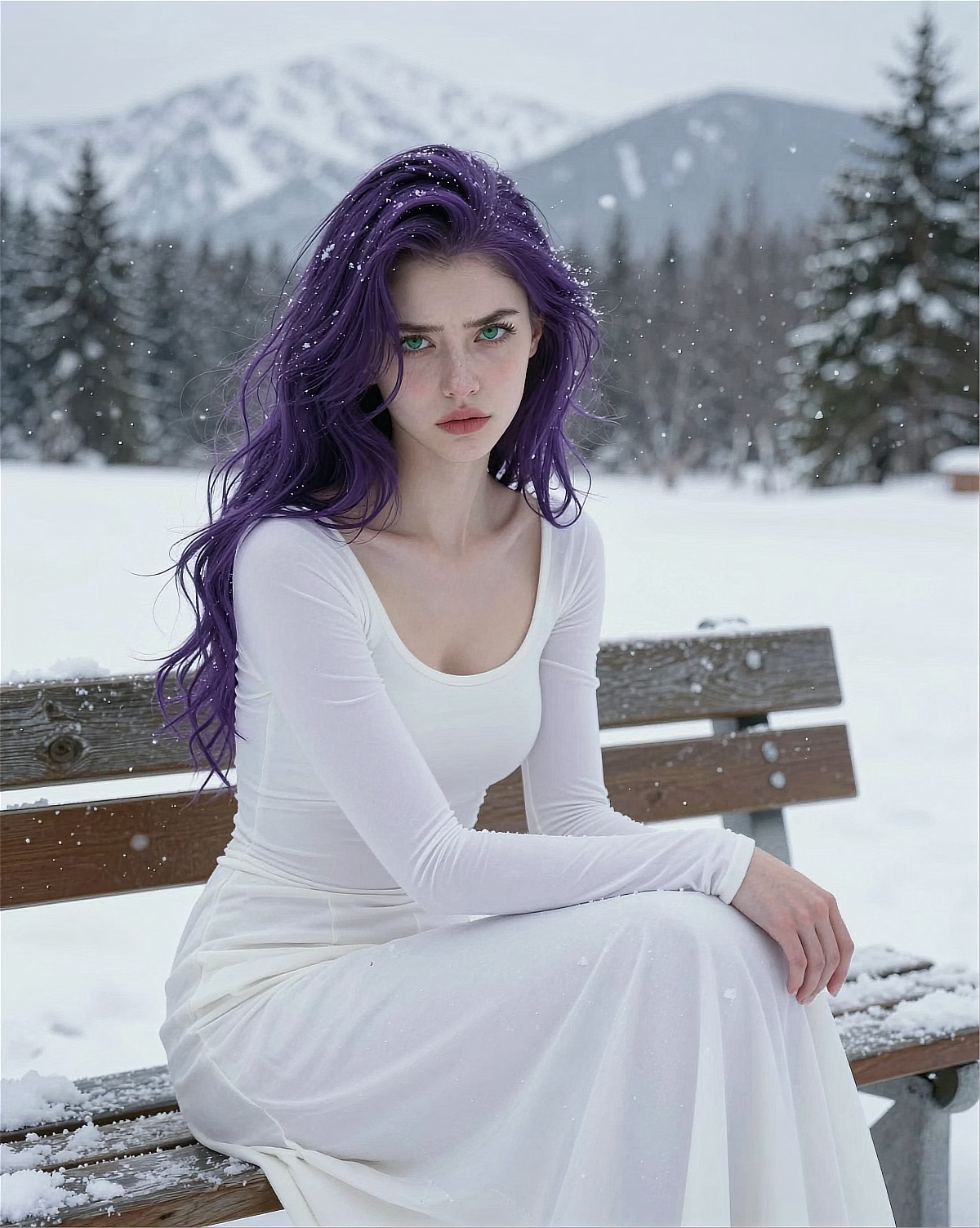
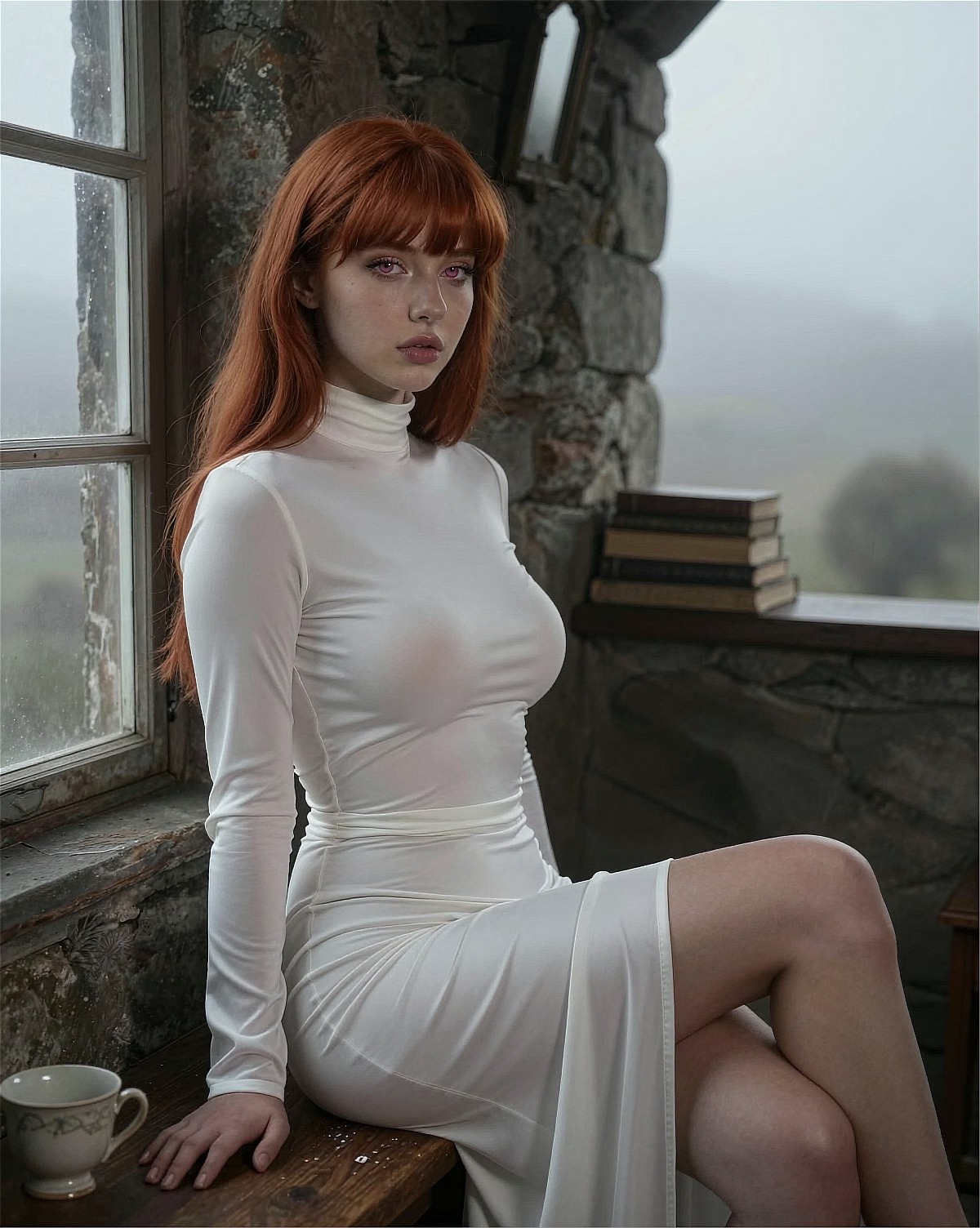
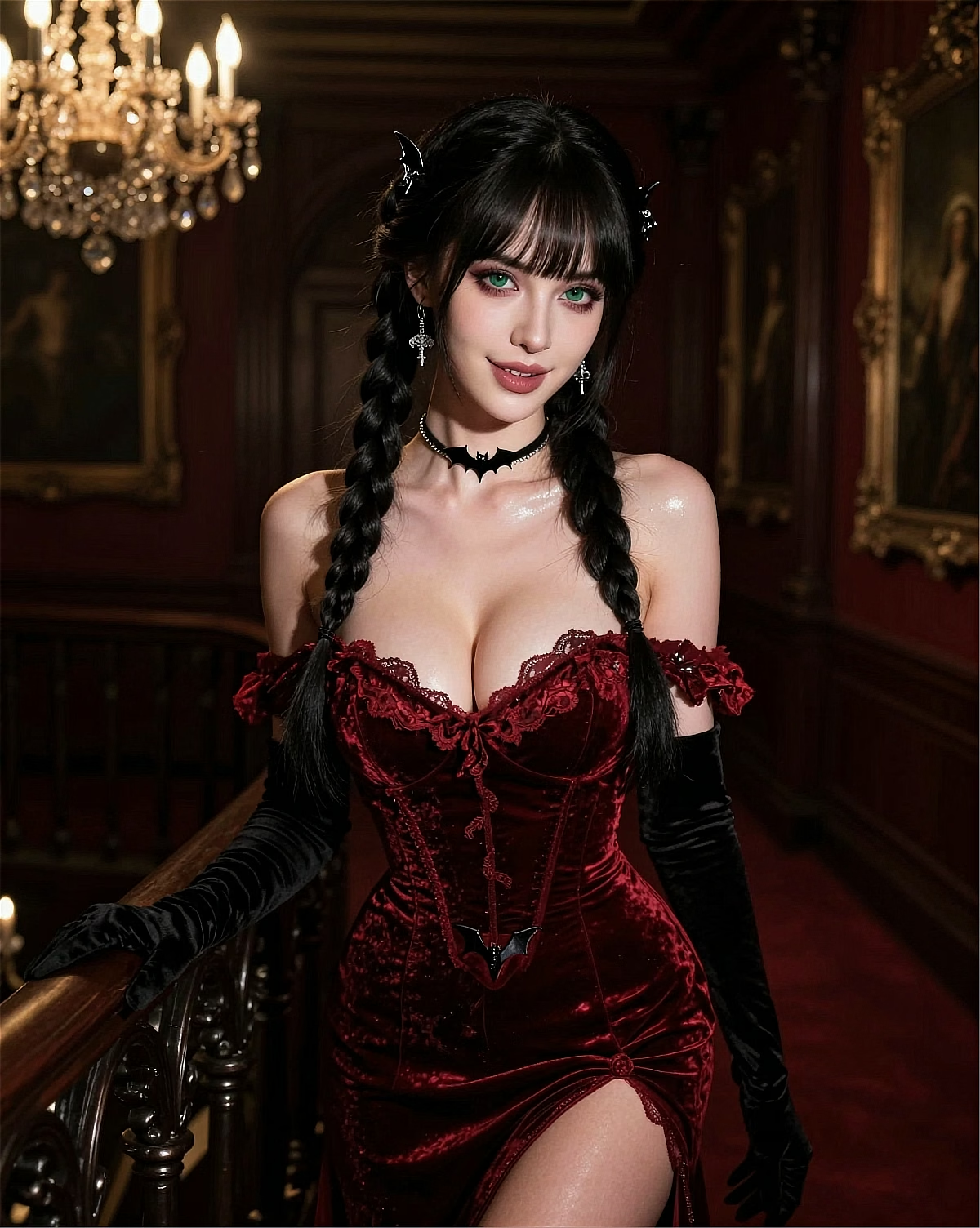
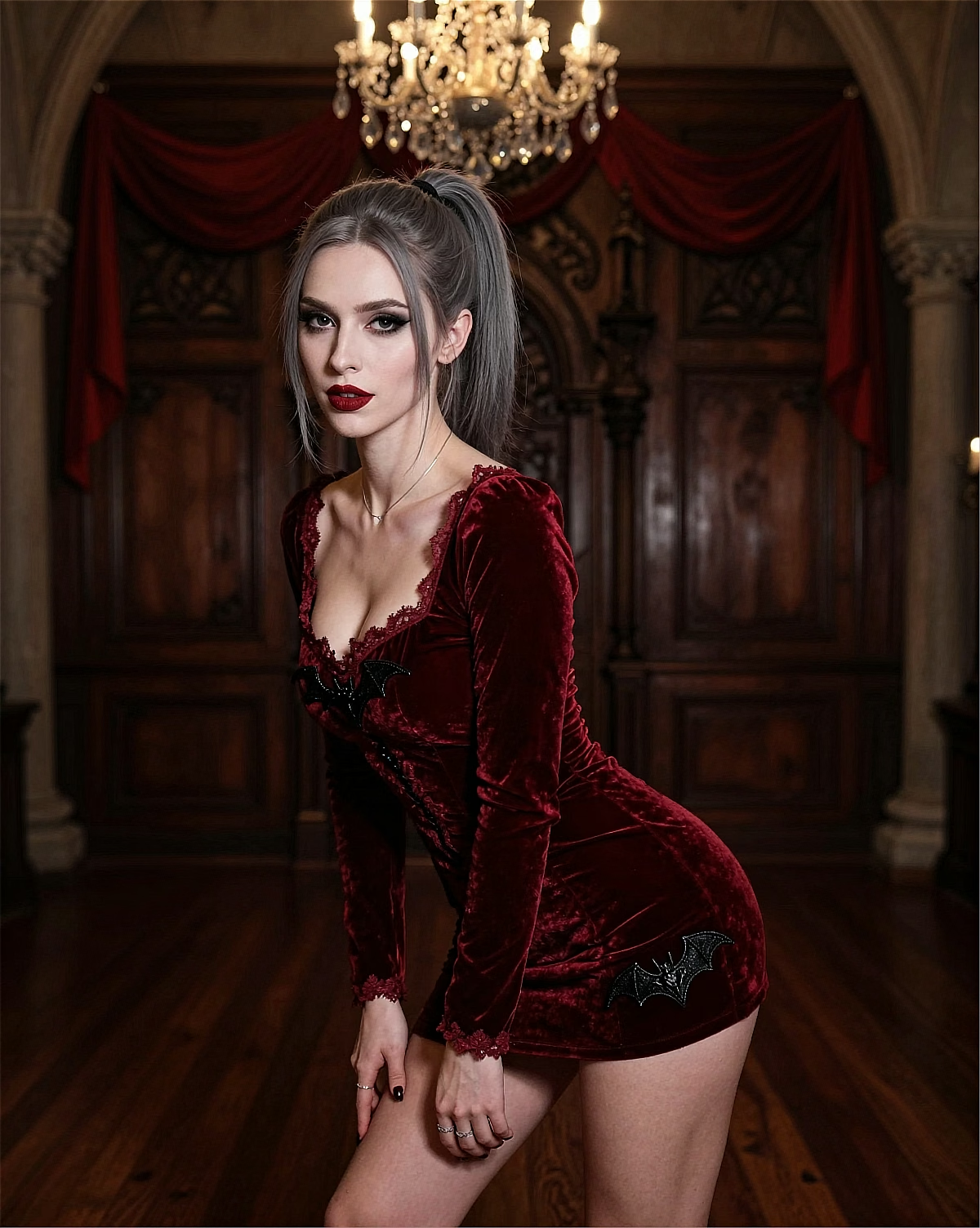
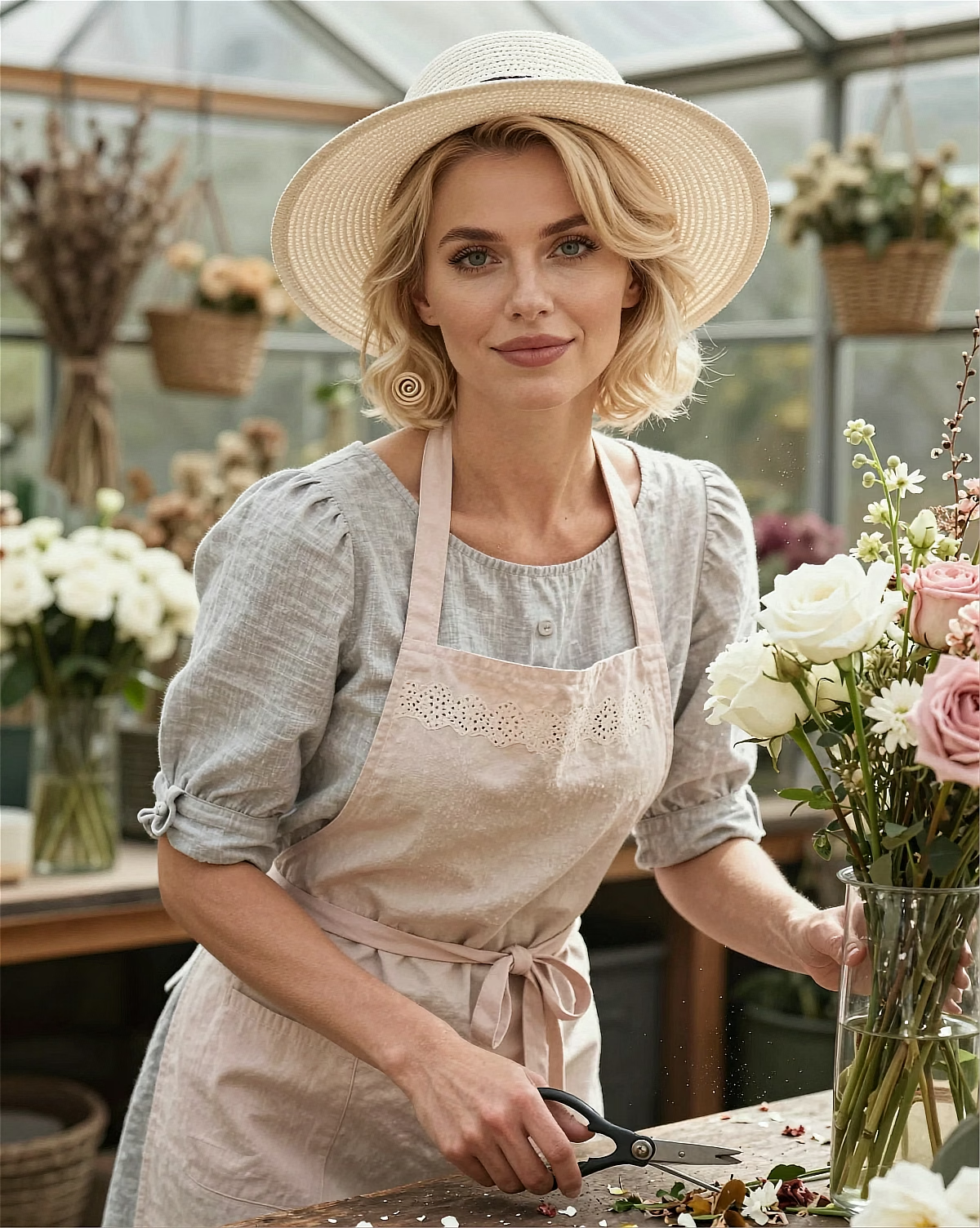
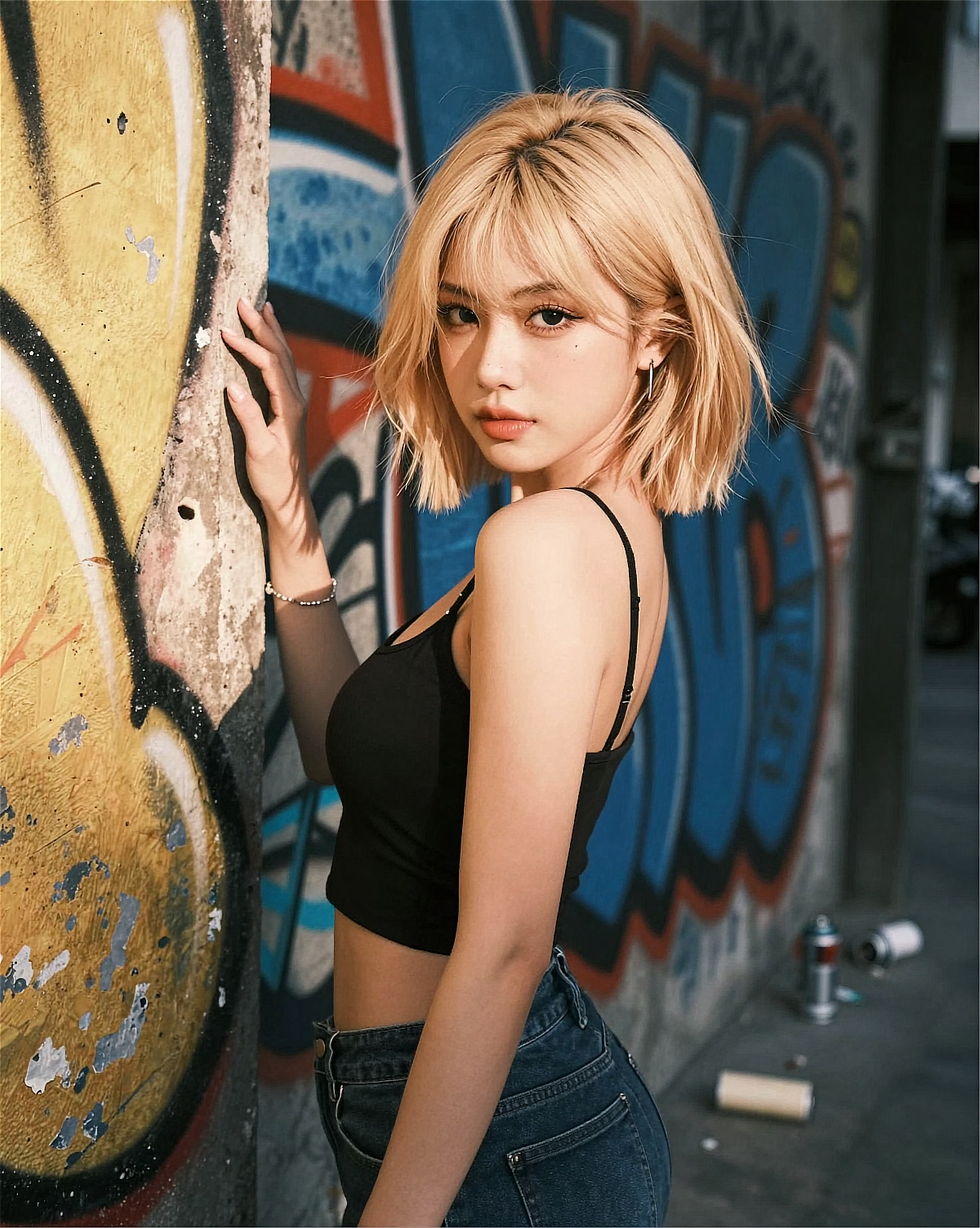
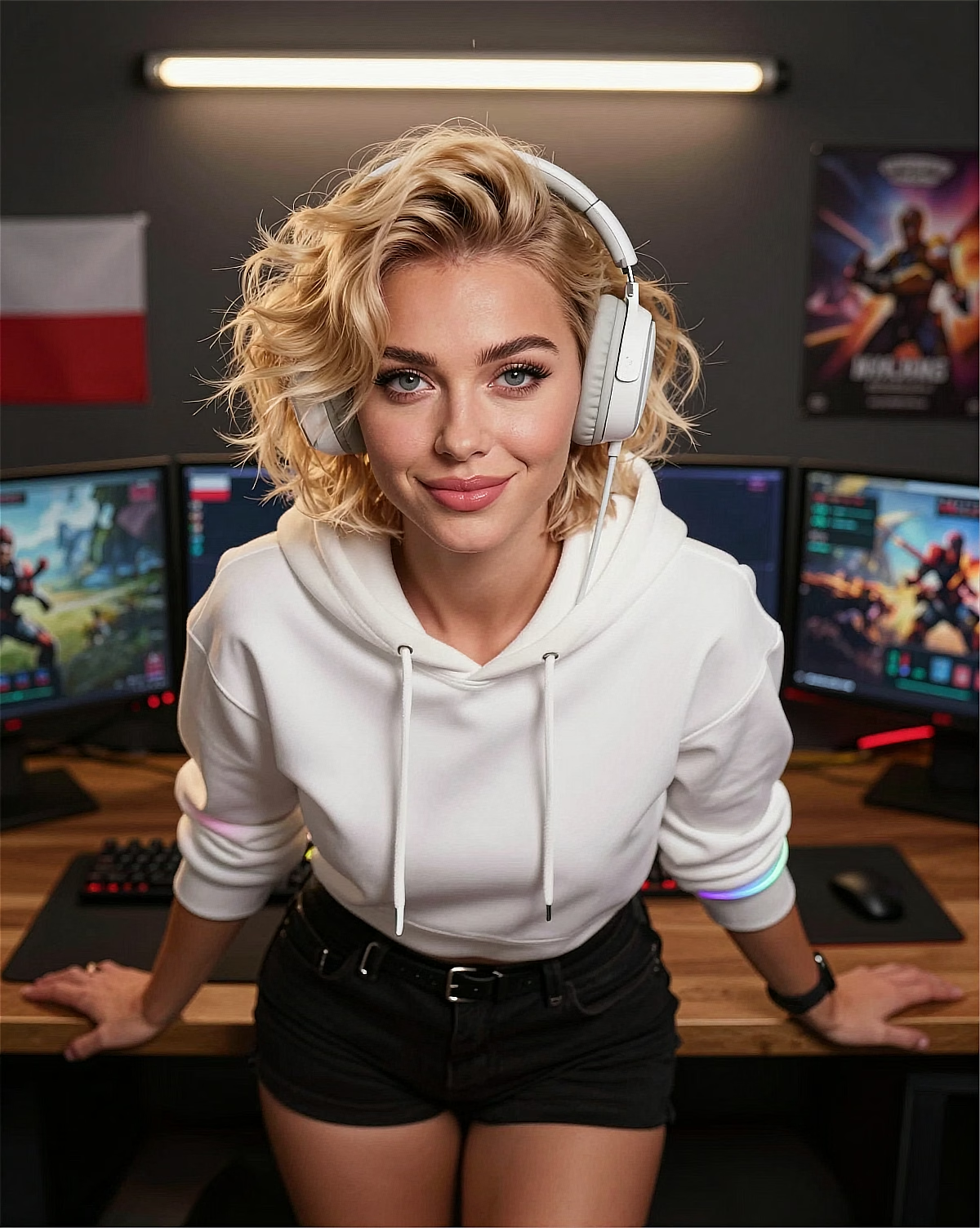 Studio
"Soft light × confident pose × clean framing"
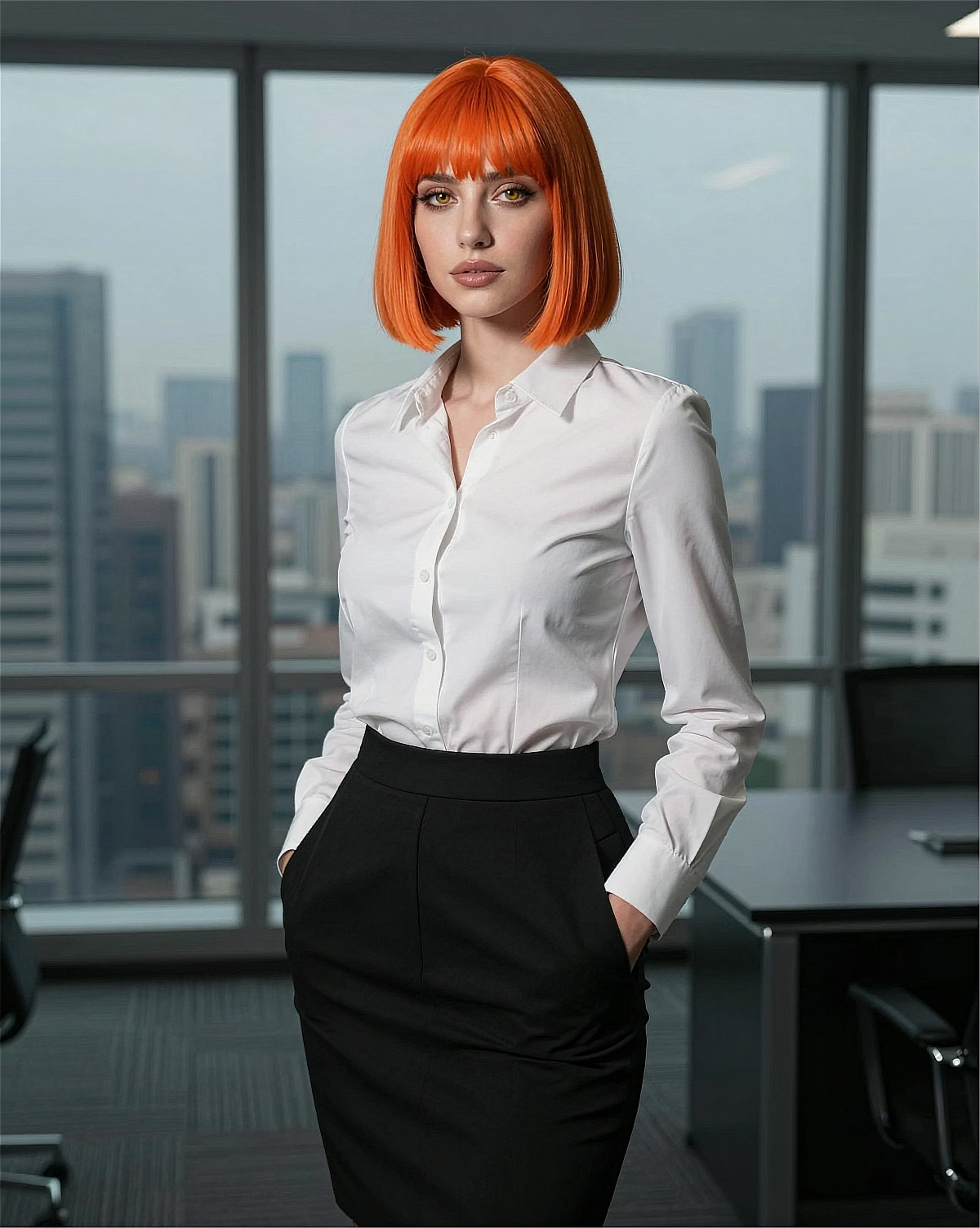
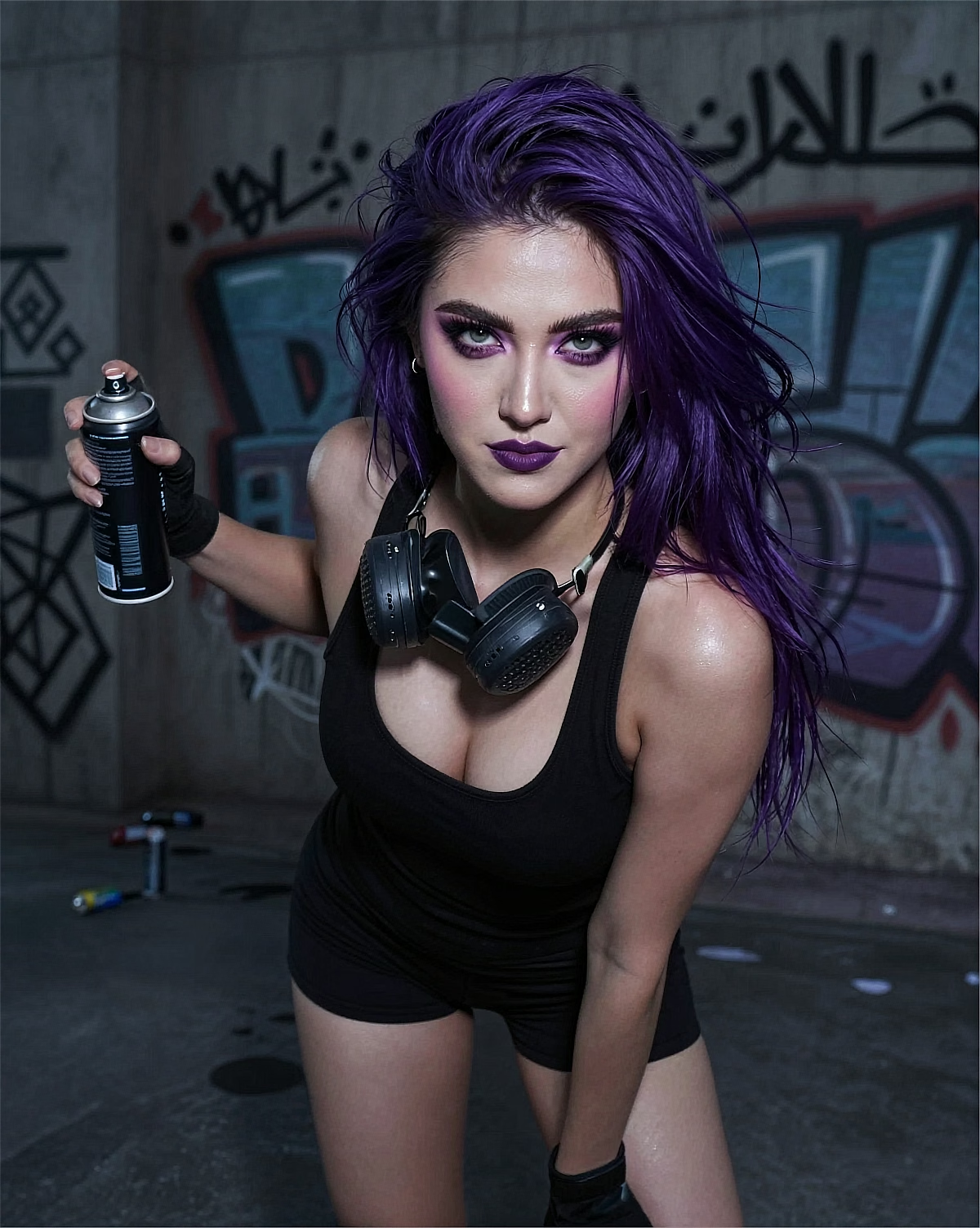 Office
"Office styling × window light × direct gaze"
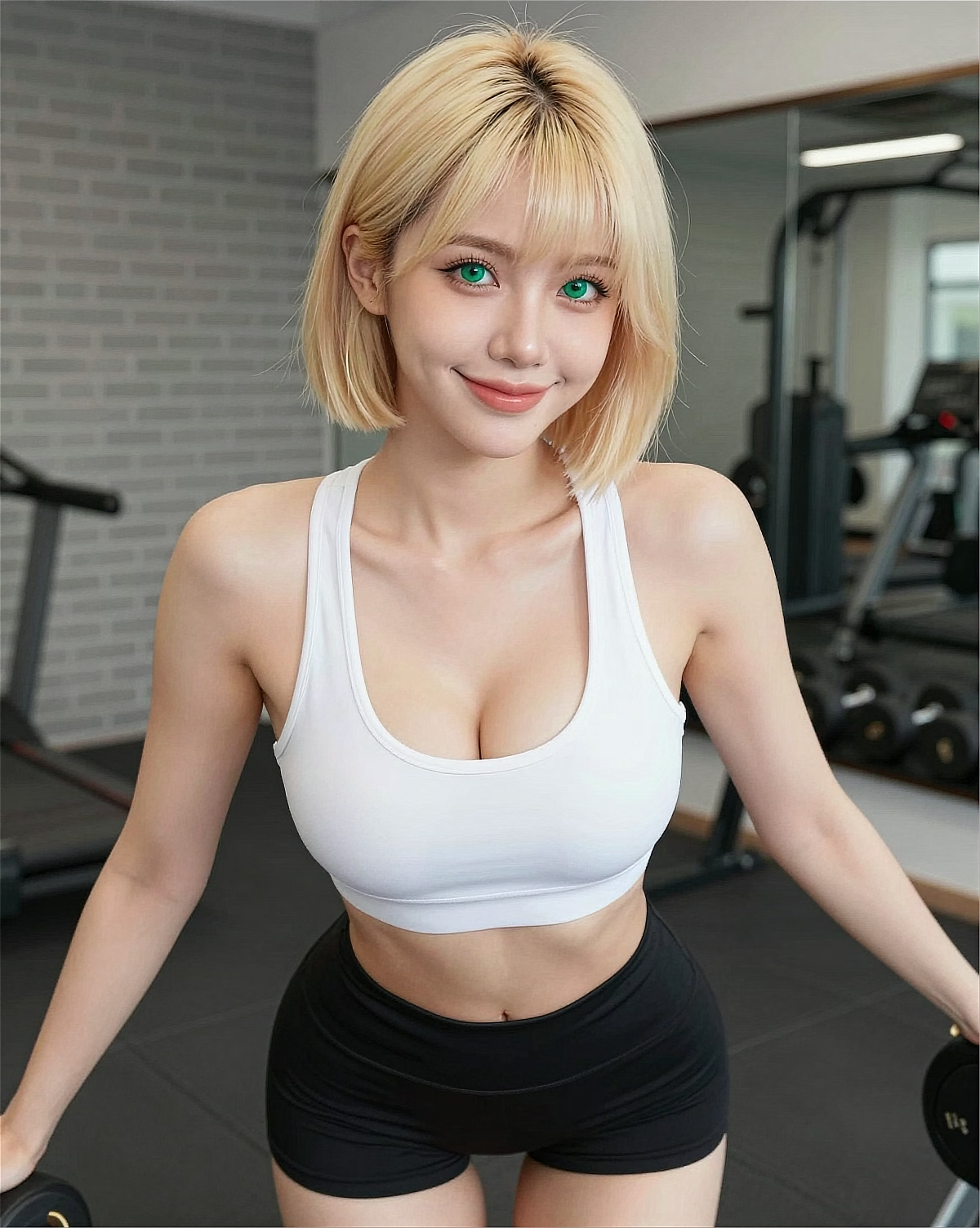 Fitness
"Sportswear × gym light × energetic pose"
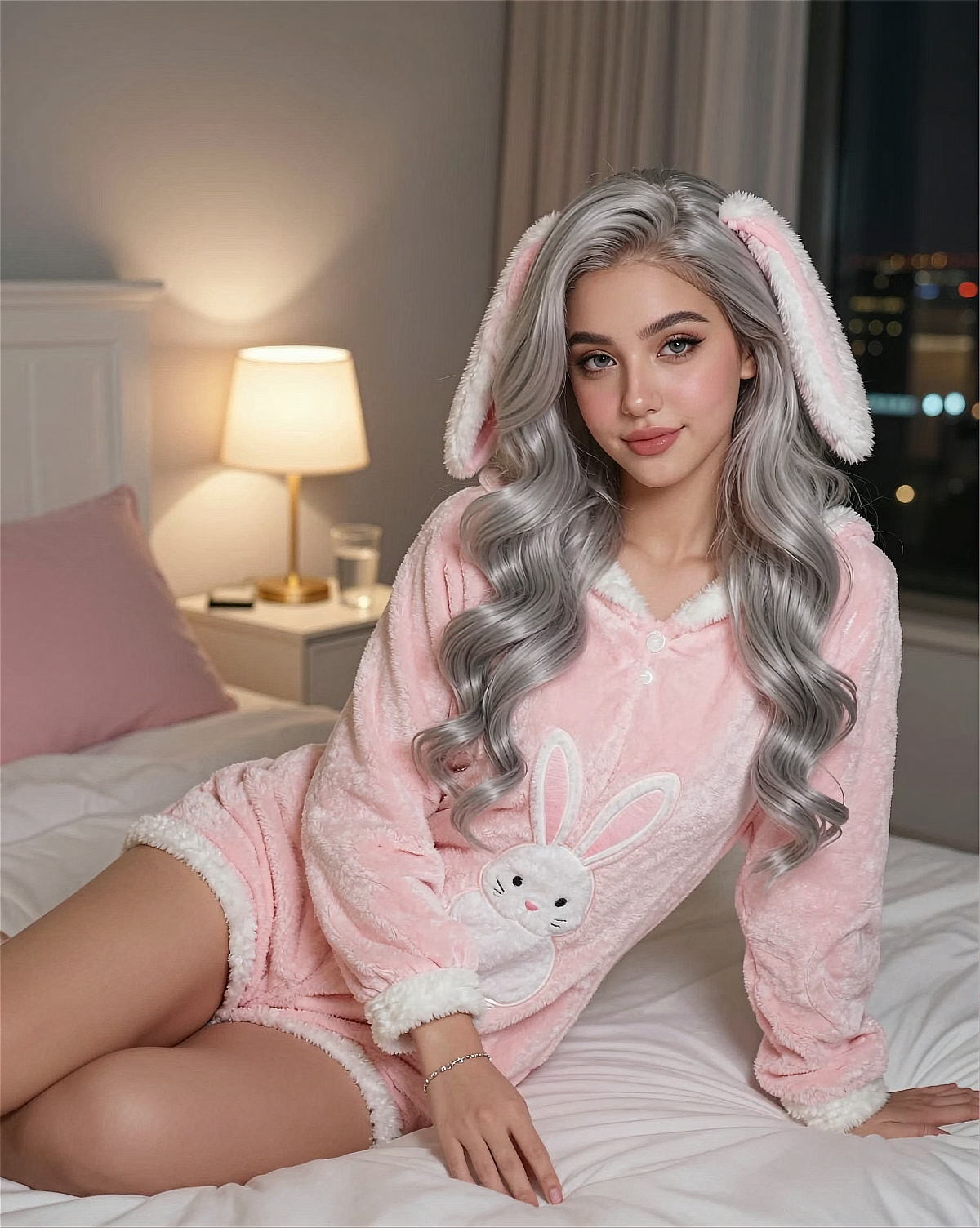
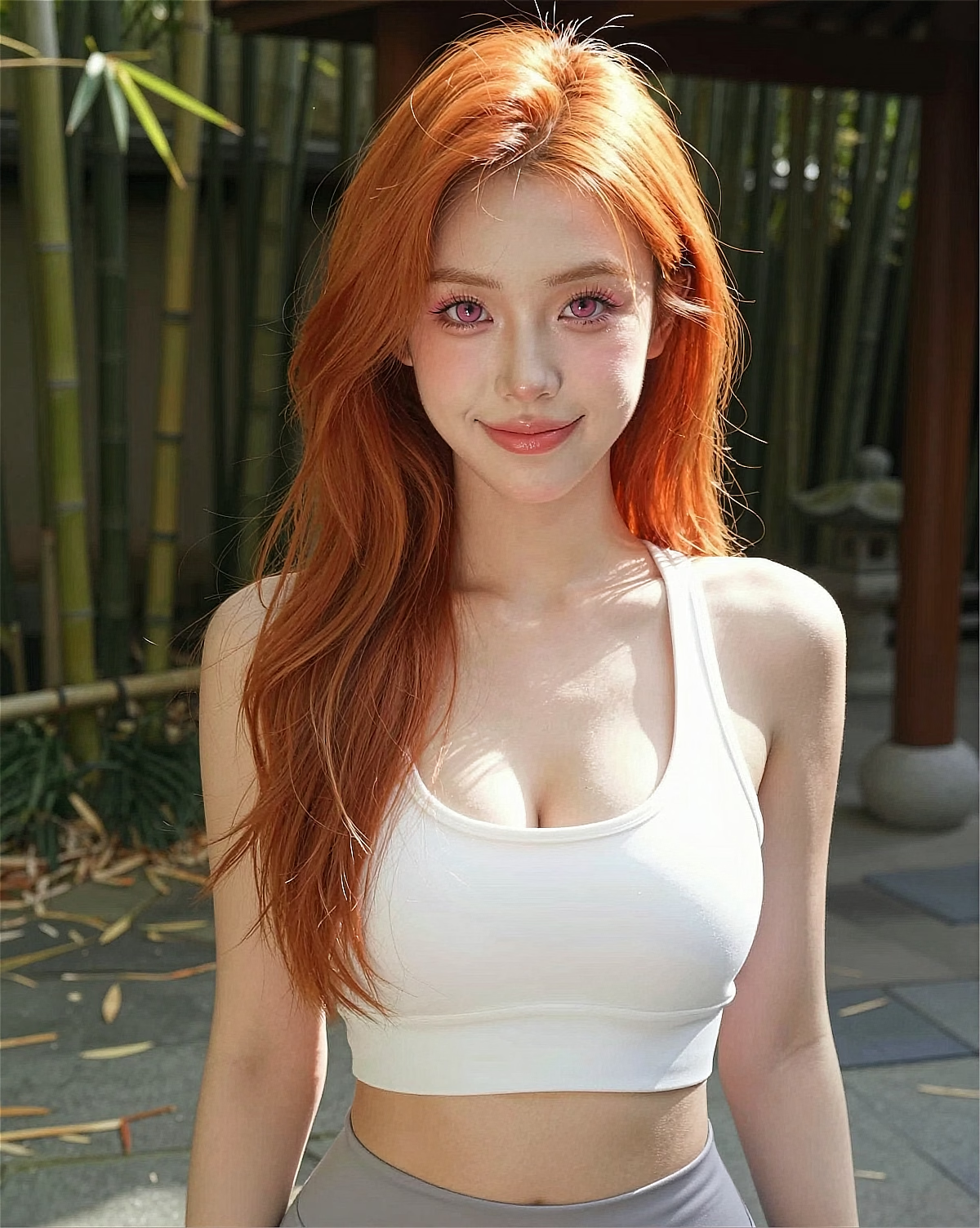 Lifestyle
"Natural setting × relaxed pose × soft contrast"
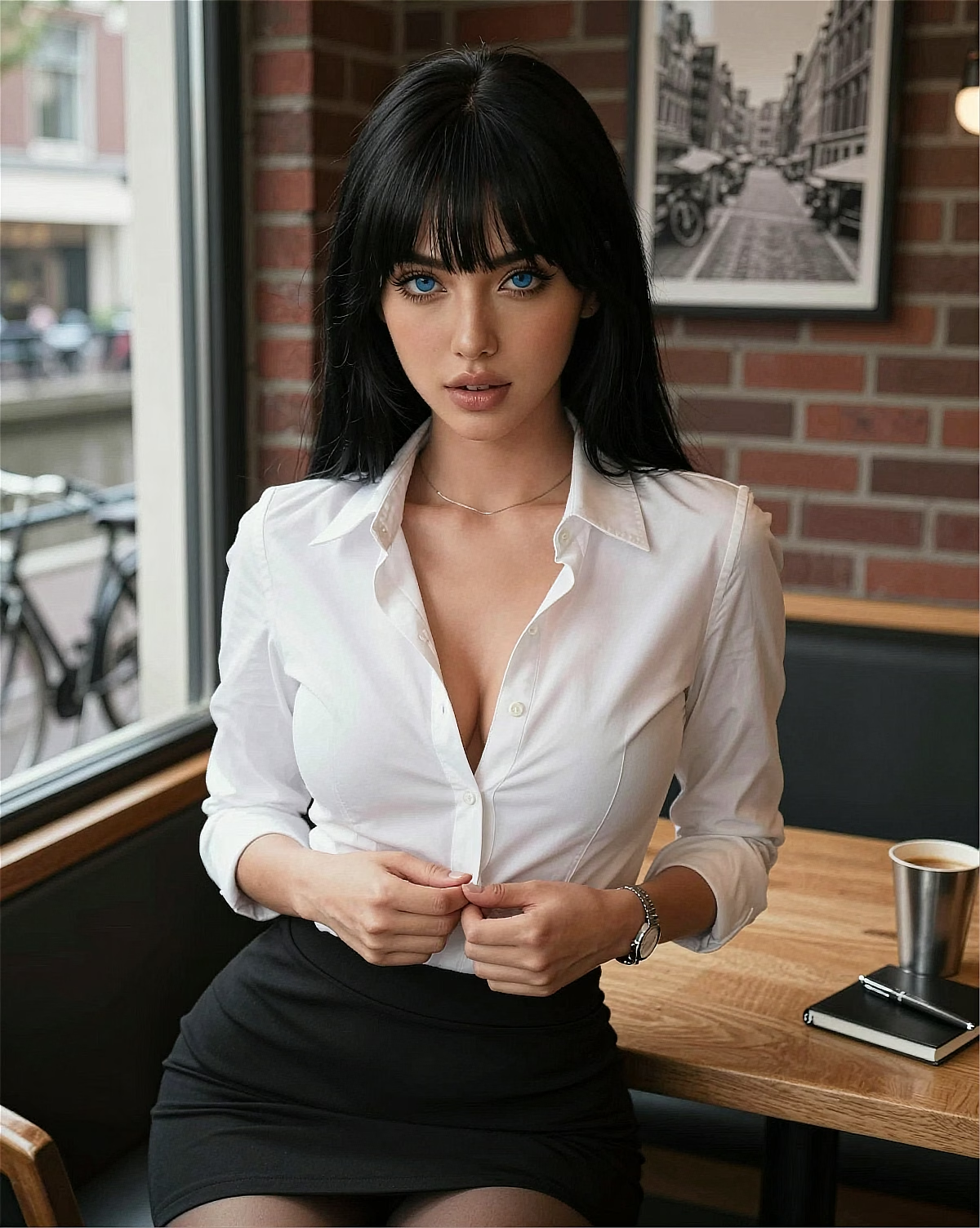 Latin
Latin"Dark hair × cafe background × warm light"
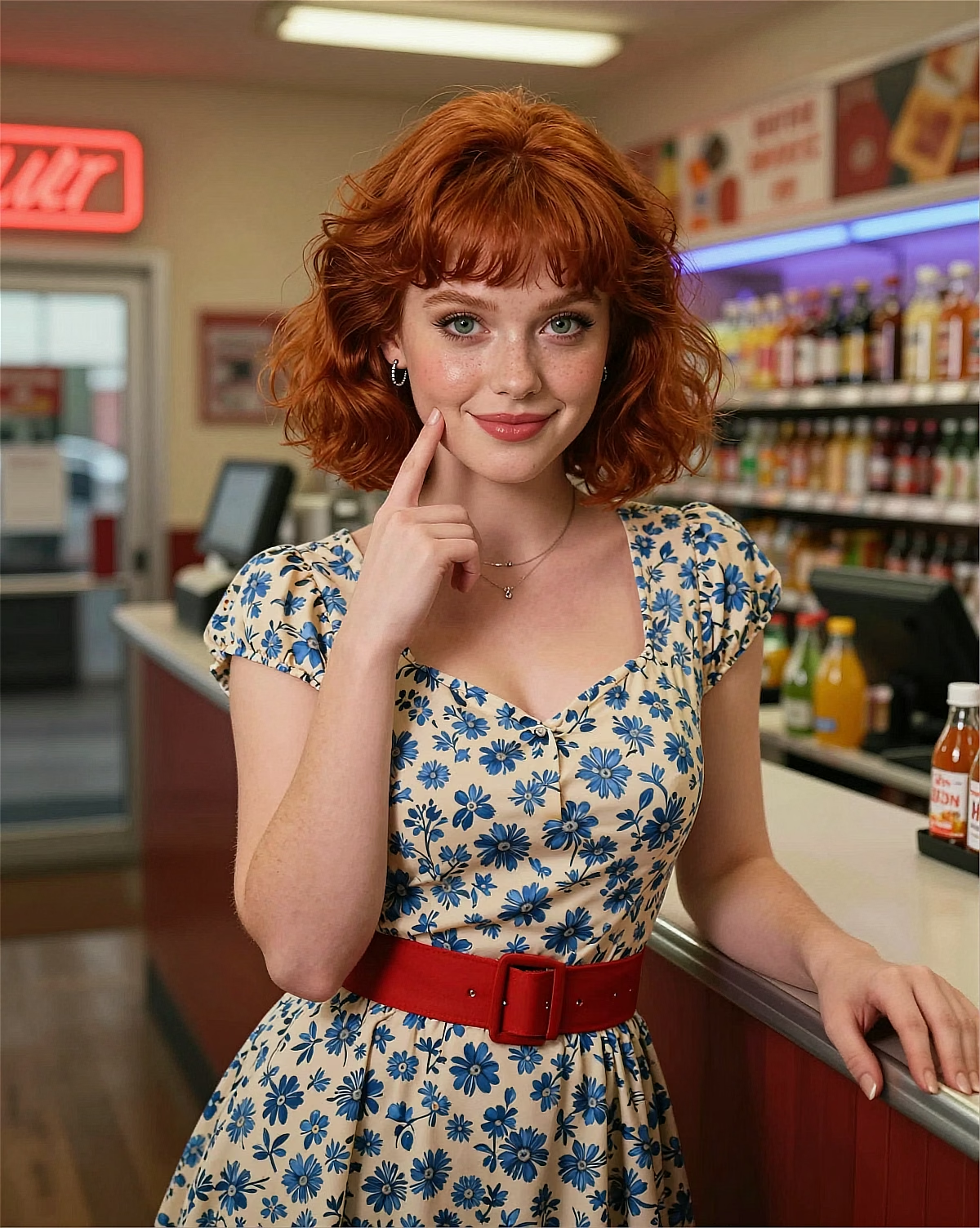
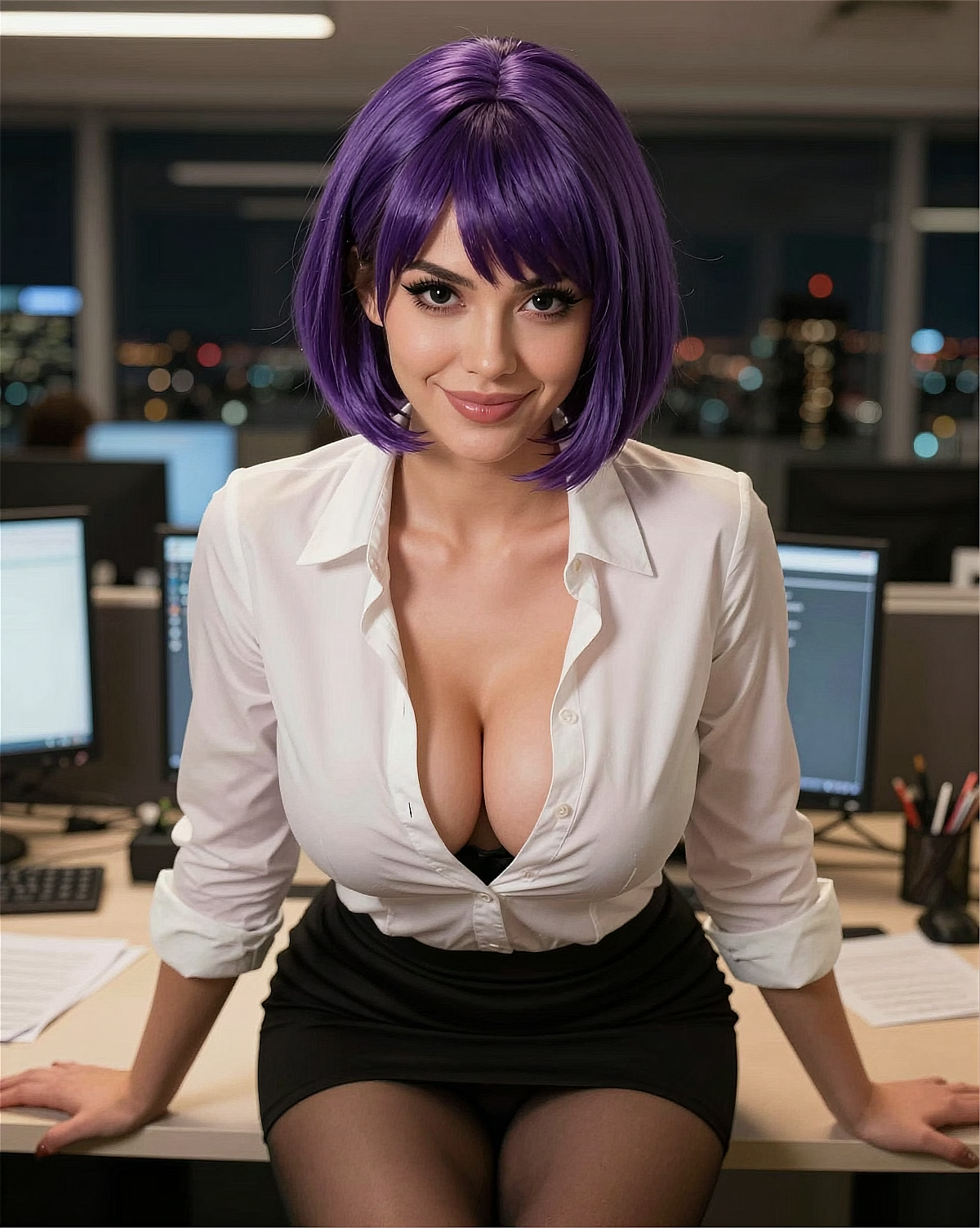 Latin
Latin"Purple styling × office background × confident mood"
Blogs, social, indie projects, e-commerce, thumbnails, and character planning can all start from a clear visual draft.
Searching for a 'free AI image generator'? Make original eyecatch and inline images for recurring publishing needs.
One-of-a-kind covers, icons, and post images for Instagram / X / TikTok.
Draft thumbnails, chapter art, and character reaction images before refining the final asset.
Cover art, character design drafts, sample images — expanded variations and differences.
Prototype product concepts and brand-world visuals, then review rights before public or commercial use.
Kales.ai lets you preview AI image characters and workflows before sign-up, then generate after account creation with Coins, Gems, and the current usage rules shown in your account. The image workflow supports anime characters, natural English prompts, current no-watermark output, and image-to-video follow-up.
Start free — paid membership from $13.49/mo (crypto)
Kales should be explained as a trial-entry workflow, not as a guaranteed per-day free-image quota. Before sign-up, users can browse characters, try part of the chat experience, and preview character creation. Image generation, video generation, saving history, and saving characters require an account.
After sign-up, generation depends on Coins, Gems, and the current consumption rules in the account. Coins may be available through tasks or community activities when offered, while Gems are purchased. That is the accurate way to answer "free AI image generator" without promising a fixed number.
Generated images currently do not add a watermark, but publishing is still a rights question. Social posts, fan works, thumbnails, and commercial use can be allowed when the content follows Kales Terms, applicable law, platform policies, and third-party rights.
For users, the practical rule is simple: generated images can be published or used commercially only within the stated boundaries. Check likenesses, trademarks, copyrighted characters, brands, and source materials before using an image outside private testing.
Because generation uses account balance, the practical way to save cost is to avoid random prompts. Start from a character and style preset, then change one variable at a time: background, outfit, pose, lighting, or mood.
Freestyle is useful when you want quick tag-based exploration and do not need character consistency. Create / Generate is better when you are building a custom girlfriend, boyfriend, or character and want images and videos to stay consistent over time.
Updated: June 2026
Kales' most popular generation styles plus all 10 categories. Choose by workflow: anime, realistic, cosplay, fantasy, Freestyle exploration, or account-based generation.