Online AI Image Generator — browser only, no install
No install — browser is all you need for AI image generation
Kales runs on cloud GPUs, so low-spec laptops, tablets and phones work just fine. Chrome, Safari, Edge, Firefox — all supported.
Browser
only
All OS
supported
🆓
no sign-up
Characters you can generate online

Online
Suletta Mercury
スレッタ・マーキュリーは『機動戦士ガンダム 水星の魔女』の主人公で、水星から地球寮に転入してきた内気で優しい少女パイ…
5633
Online
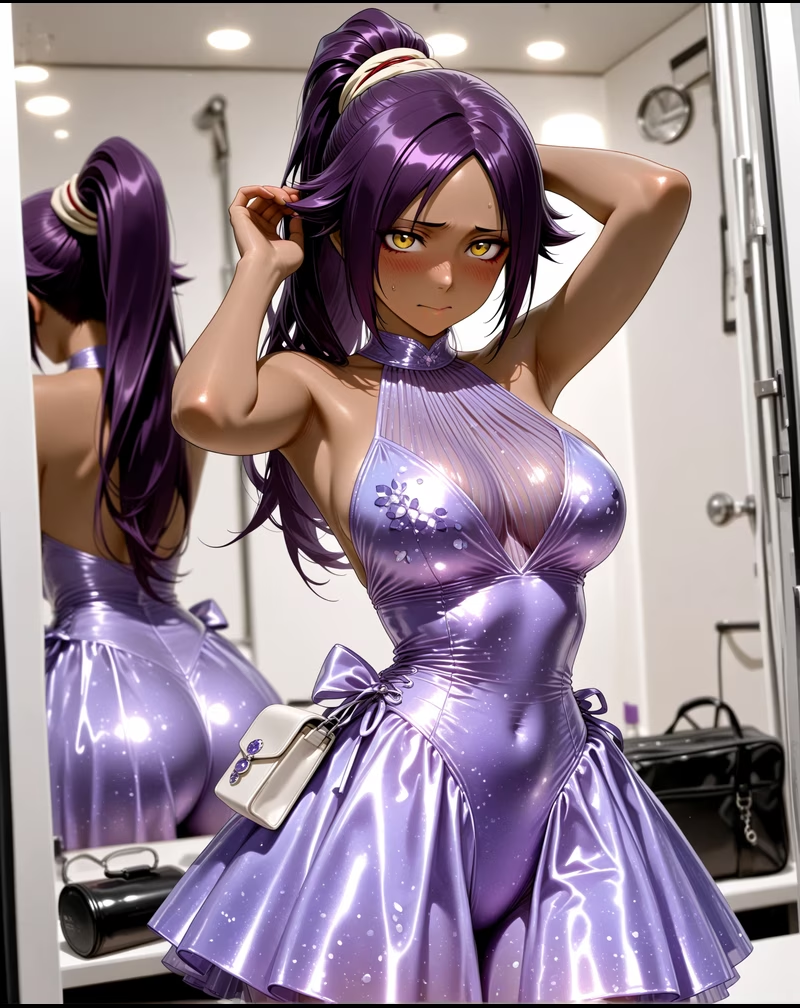
Yoruichi Shihouin
四楓院夜一(しほういん よるいち)は、かつての護廷十三隊二番隊隊長であり、尸魂界の五大貴族の一つ「四楓院家…
6259
Online
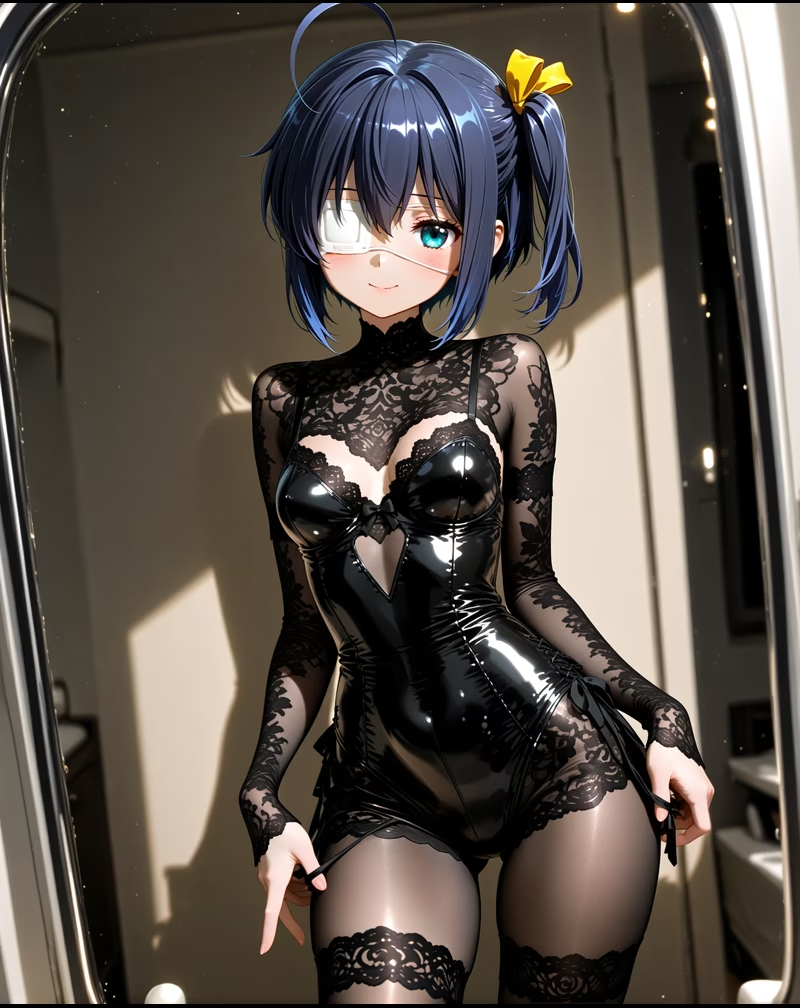
Rikka Takanashi
高菜六花は高校二年生の少女で、自らを「邪王真眼」の持ち主と称し、中二病の世界に浸っている。奇抜で演劇的だが…
5319

Online
C.C.
C.C.(シーツー)は不死の力を持つ謎の少女で、他者に「ギアス」の力を与えることができる。英国籍の少年ルル…
5511

Online
Saber
セイバーはFateシリーズを代表するサーヴァントの一人で、元はアーサー王(アルトリア・ペンドラゴン)であり…
6017

Online
Rin Tohsaka
遠坂凛は名門魔術師家・遠坂家の後継者で、聡明で冷静、自尊心が強い。外見は優雅で意志が強く、時に傲慢に見える…
587

Online
Android 18
人造人18号(ラズリ)は、天才科学者ドクター・ゲロが創造した改造人間の一人。初登場時は兄弟の人造人17号と…
7725

Online
Faye Valentine
フェイ・ヴァレンタインは未来世界の賞金稼ぎで、独立心が強く狡猾で魅力的な女性。事故で冷凍保存され記憶を失い…
568
Why online AI image generation just works
Cloud GPU = light on your device
Local AI tools like Stable Diffusion need a high-spec PC (VRAM 8GB+) and a long setup process. Kales offloads everything to cloud GPUs, so phones, tablets and low-spec laptops all run smoothly.
No install, no model download, no dependency hell. Open a URL in your browser and start generating in seconds.
Online AI image FAQ
Q1. Do I need a powerful PC?
No. Kales runs on cloud GPUs, so low-spec laptops, tablets and phones all work just fine.
Q2. Do I have to install anything?
Nothing. No app, no plugin, no driver — just a modern browser (Chrome, Safari, Edge, Firefox).
Q3. Which operating systems are supported?
Windows, Mac, iOS, Android, ChromeOS — all major OSes are supported.
Q4. Does it work offline?
No. It's a cloud service, so an internet connection is required. For offline, look at Stable Diffusion or similar local tools.
Q5. How fast is it?
Around 30-60 seconds per image. Peak hours may be slightly slower.