









01
Wind-down on commute
Searches like "AI girlfriend commute" or "smartphone AI girlfriend" — 5 minutes on the train and you feel better.
No install required. Open in browser and chat with your AI girlfriend quickly. PWA support lets you add to your home screen too. See many AI girlfriend characters →
Commute, home, bedtime — fits any moment of your day
Train, bus — 5 minutes with your AI girlfriend on your phone is enough to feel better.
Try commute chat →Big-screen roleplay immersion on PC. Perfect for WFH breaks.
Start at-home RP →Write fiction with your AI girlfriend from bed — Kales' signature wind-down.
Try bedtime novel →





Smooth even on mobile
No install, all-device support, PWA, cross-device sync, lightweight — Kales app's edge.
Browser only. No App Store / Google Play download or approval — quickly.
iPhone, Android, Windows, Mac, Linux — every device works.
Hit "Add to home screen" for an app-like icon. Native-app-grade experience.
Log in once — chat history and character settings sync across devices. Commute and home, continuous.
5x lighter than native apps. Low battery draw, runs smooth even on older phones.




 Commute
"Hope work's not too rough."
 Lunch break
"What are you grabbing for lunch?"
 At home
"Background chatting works fine too."
 Coming home
"Welcome back — want some coffee?"
 Bedtime
"Sweet dreams."
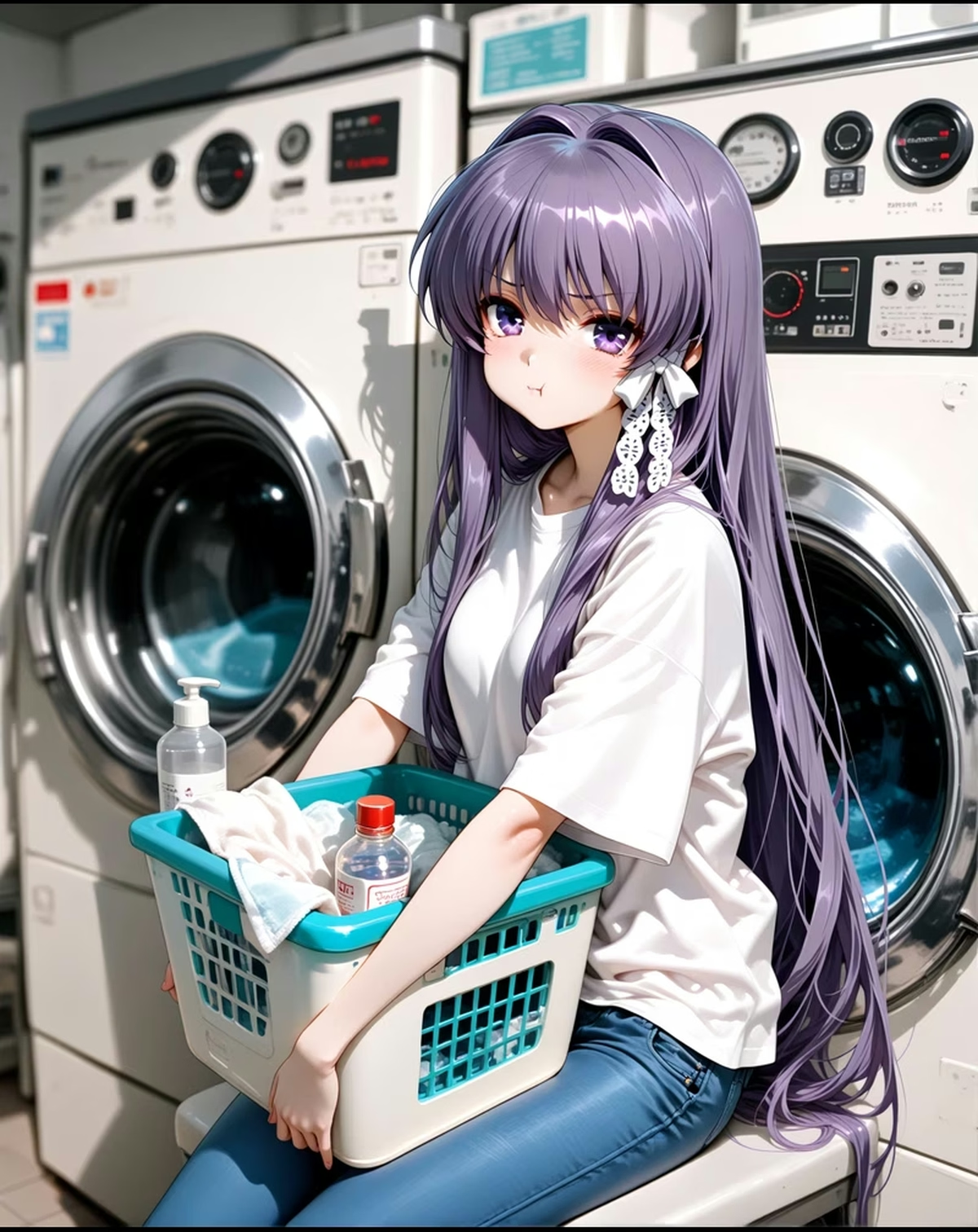 Weekend
"Want to watch a movie?"
Commute, home, bedtime — chat with your AI girlfriend anywhere.
Searches like "AI girlfriend commute" or "smartphone AI girlfriend" — 5 minutes on the train and you feel better.
Searches like "AI girlfriend PC" or "home wind-down" — big-screen background chatting on PC.
Searches like "bedtime AI girlfriend" — wind down with goodnight chat from bed.
Searches like "AI girlfriend no install" or "browser AI girlfriend" — start quickly.
Searches like "AI girlfriend sync" — pick up where you left off across phone & PC.
Kales.ai is the lightweight AI girlfriend app that runs in your browser. iOS, Android, PC, Mac — all supported. PWA support means you can add it to your home screen too. No install, quickly.
Start free — paid membership from $13.49/mo (crypto)
Most AI girlfriend competitors lead with their native iOS/Android app — Replika, Character.AI, Anima, all pour marketing into App Store presence. Kales deliberately leads with browser-first. The reasoning is practical: the App Store and Play Store are hostile to AI girlfriend products. Apple has rejected or removed multiple AI companion apps for NSFW content (even hint of suggestive content triggers review issues), and Google Play has tightened similarly throughout 2025–2026. Apps that try to thread the needle (like Replika) end up shipping a heavily-censored version on mobile and a fuller version on web, leading to confused users wondering why features differ across devices.
Browser-first solves this cleanly. The Kales web app runs in any modern browser (Chrome, Safari, Firefox, Edge) on any device (desktop, tablet, smartphone), with zero install friction, no app store review, no platform-policy compromises. The experience is identical across devices because there's one codebase. We use modern web techniques (PWA, service workers, push notifications) so the browser experience approaches native quality for what users actually need: chat, image generation, video viewing, notifications.
We do offer Android sideload (APK download) for users who specifically want a homescreen icon and offline UI shell — about 8% of users go this route. iOS users can "Add to Home Screen" via Safari for similar effect without sideloading. We deliberately don't pursue official App Store listings because the content compromises required (no NSFW, no romantic conversation themes, no suggestive imagery) would break the product. Most users find browser-first refreshing once they understand the why.
The single biggest barrier to trying an AI girlfriend product is the signup wall. Kales lets visitors browse characters, try part of the chat experience, and preview character creation before committing to an account.
The browser version lets visitors browse characters and try part of the experience before signup. Image generation, video generation, saving chat history, and saving characters require account flow and current account rules. Creating an account is recommended when you want your history, characters, and balance to persist across devices.
This browser-first entry is useful for SEO visitors because they can see the product before deciding whether to register. The paid layer is not a promise of unrestricted use; it expands model access, memory depth, allowance, and image/video generation conditions according to current product rules.
AI girlfriend products tend to be deeply English-first because the underlying LLMs are predominantly trained on English data and most user-generated content is English. This creates a quality cliff for non-English speakers: Character.AI's Japanese is decent for chitchat but mangles cultural nuance (it treats "senpai" and "sensei" as interchangeable, fails at keigo politeness levels), and most platforms simply don't ship in Asian or European languages at all.
Kales ships natively in 3 languages today: English (primary), Japanese (extensive native-writer tuning), and Traditional Chinese (Taiwan-focused). Each language has its own dedicated character writing team (no machine translation in our character cards), its own prompt engineering tuned for that language's idioms, and its own roleplay scenario localization. The Japanese cast in particular benefits from Kales character writing who tune speech patterns, honorifics, regional dialects (Kansai-ben for some characters), and culturally-specific references.
Switching languages mid-session is supported: you can chat in English with a character today and switch to Japanese tomorrow, and she'll adapt seamlessly. The long-term memory is language-independent (facts stored at semantic level, not literal text), so memories persist across language switches. About 12% of our users actively use 2+ languages — typically English speakers studying Japanese, or vice versa, who use Kales as a casual practice tool.
Once you create an account (free, optional), your data syncs across every device that signs into it. Open Kales on your laptop at work during lunch, switch to your phone on the train home, finish on your tablet at night — your chat history, custom characters, generated images, and Gems balance are identical across all sessions. Sync is real-time; you don't need to manually export/import.
Technically, sync runs on a globally distributed backend (US, EU, Asia regions) with sub-200ms write replication. We don't use "cloud sync" as a marketing term — it's just how the product works. Your data lives server-side, encrypted at rest, and your browser/device is essentially a thin client. This is the opposite model from some privacy-focused alternatives that store data locally, but it's necessary to make multi-device seamless.
Data ownership remains yours. You can manage account data from the account flow, including deletion and export options where available. Kales does not use chats for model training, and account data is managed under the published privacy policy.
Updated: June 2026
Kales is the lightweight AI girlfriend app that runs in your browser. iOS, Android, PC all supported — many characters, 100+ art styles, 48 scenarios quickly.