Image to Video AI (i2v) — One-click animation
Turn an image into video — one click does it
Animate any Kales-generated image. i2v mode preserves face and outfit while adding motion — no prompt-engineering required.
i2v
one click
Char
consistency guaranteed
Free
no sign-up
Characters to animate via i2v
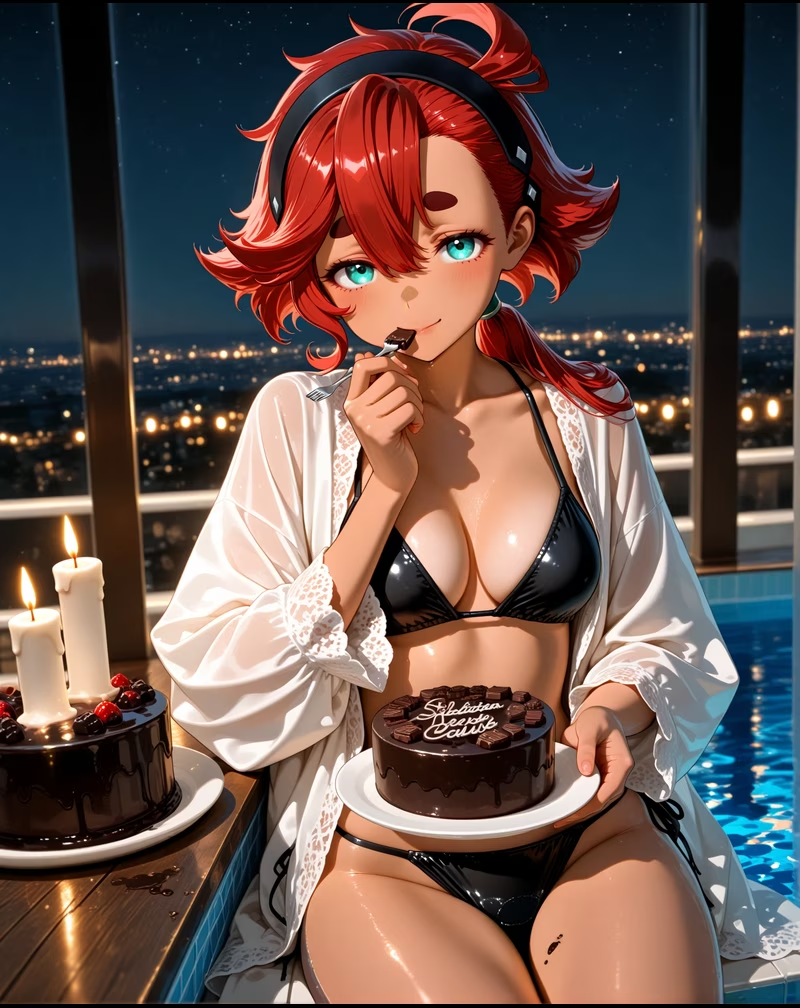
i2v
Suletta Mercury
スレッタ・マーキュリーは『機動戦士ガンダム 水星の魔女』の主人公で、水星から地球寮に転入してきた内気で優しい少女パイ…
5633
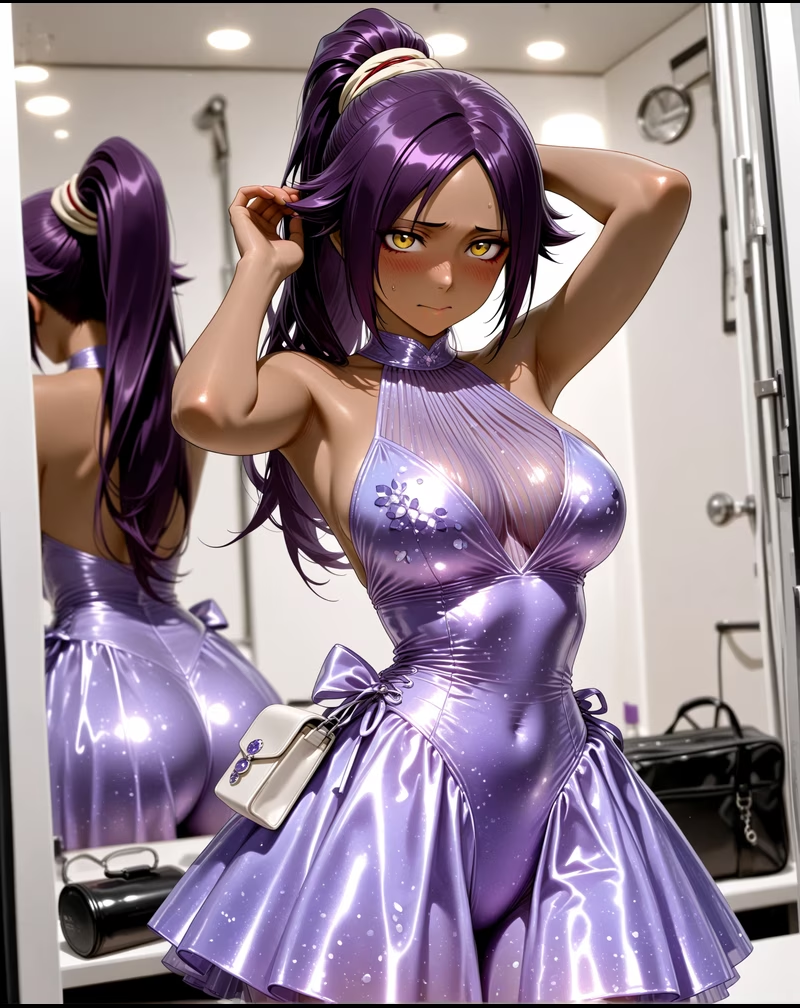
i2v
Yoruichi Shihouin
四楓院夜一(しほういん よるいち)は、かつての護廷十三隊二番隊隊長であり、尸魂界の五大貴族の一つ「四楓院家…
6259
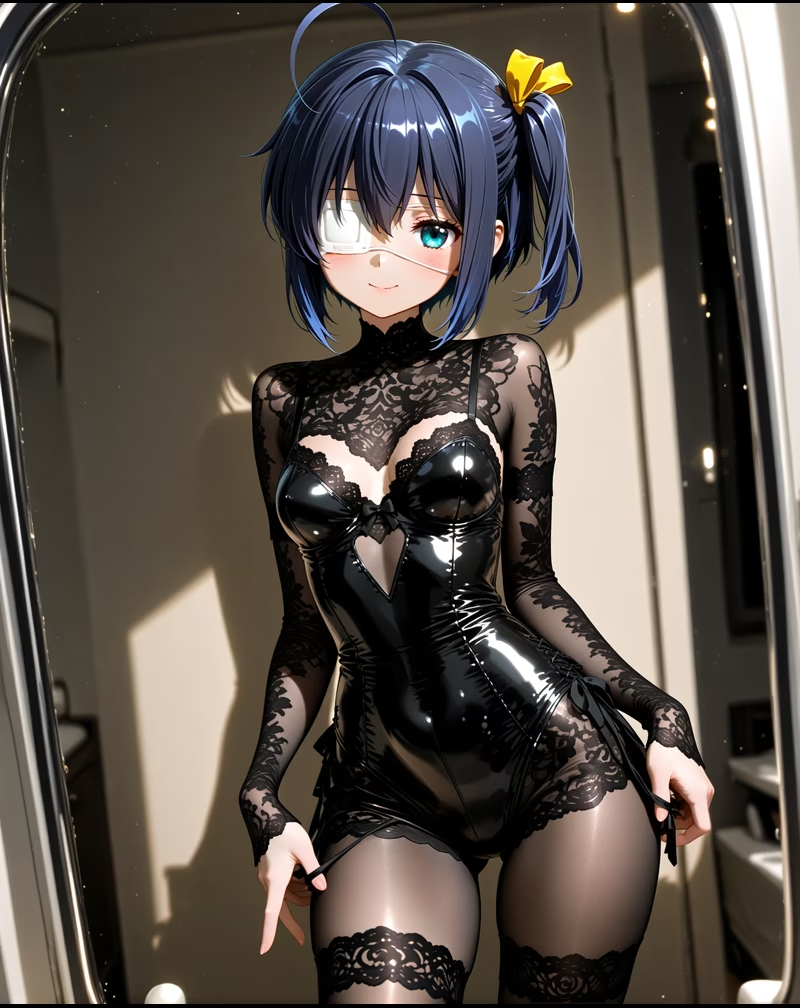
i2v
Rikka Takanashi
高菜六花は高校二年生の少女で、自らを「邪王真眼」の持ち主と称し、中二病の世界に浸っている。奇抜で演劇的だが…
5319

i2v
C.C.
C.C.(シーツー)は不死の力を持つ謎の少女で、他者に「ギアス」の力を与えることができる。英国籍の少年ルル…
5511
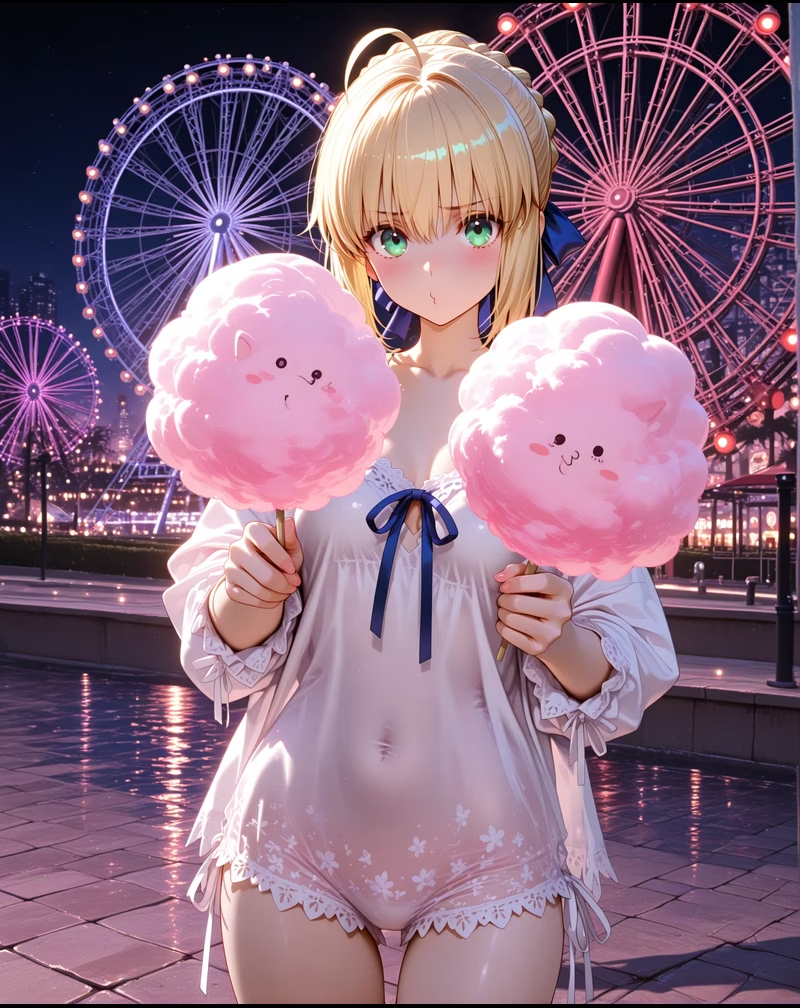
i2v
Saber
セイバーはFateシリーズを代表するサーヴァントの一人で、元はアーサー王(アルトリア・ペンドラゴン)であり…
6017
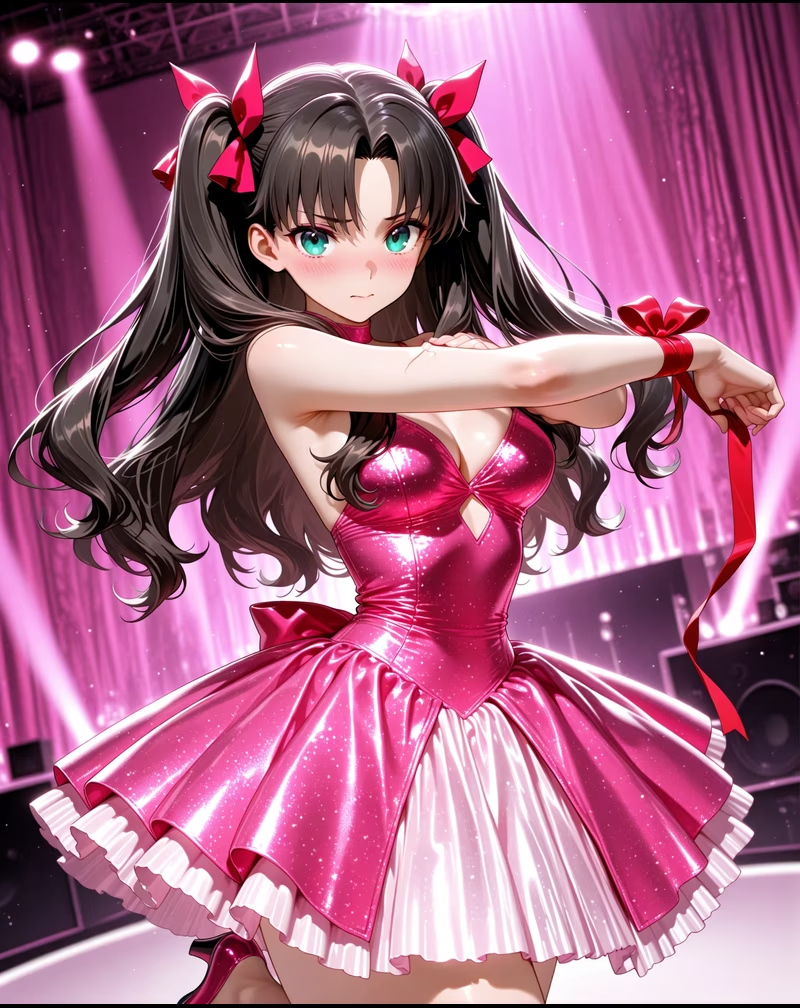
i2v
Rin Tohsaka
遠坂凛は名門魔術師家・遠坂家の後継者で、聡明で冷静、自尊心が強い。外見は優雅で意志が強く、時に傲慢に見える…
587
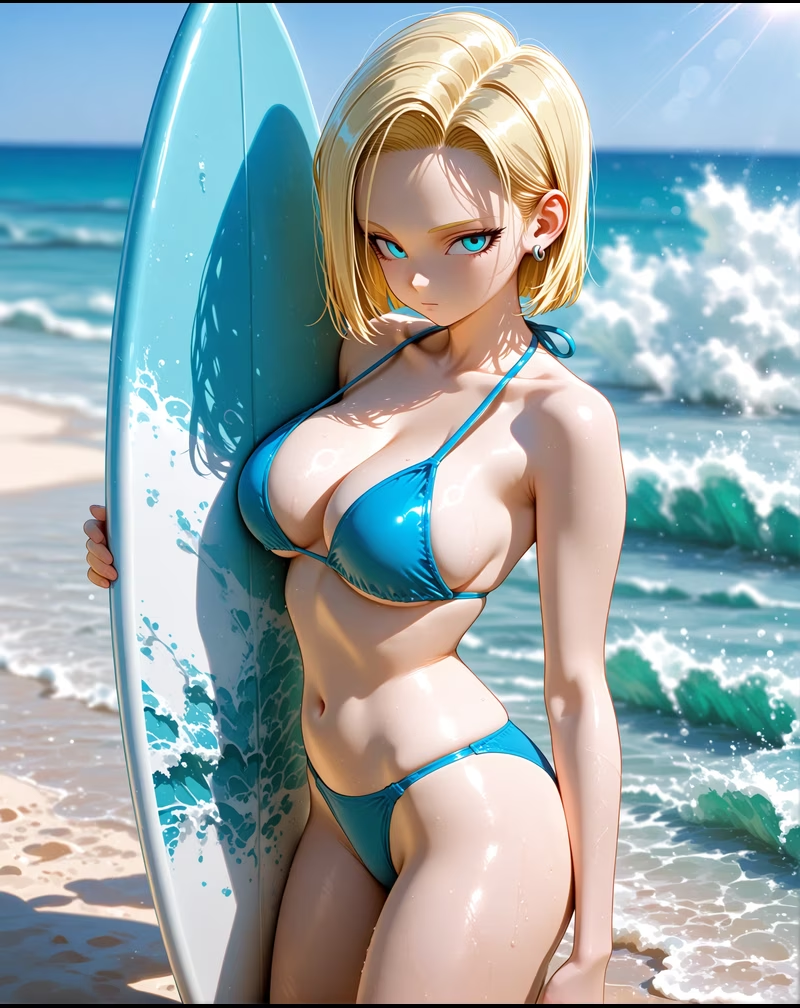
i2v
Android 18
人造人18号(ラズリ)は、天才科学者ドクター・ゲロが創造した改造人間の一人。初登場時は兄弟の人造人17号と…
7725
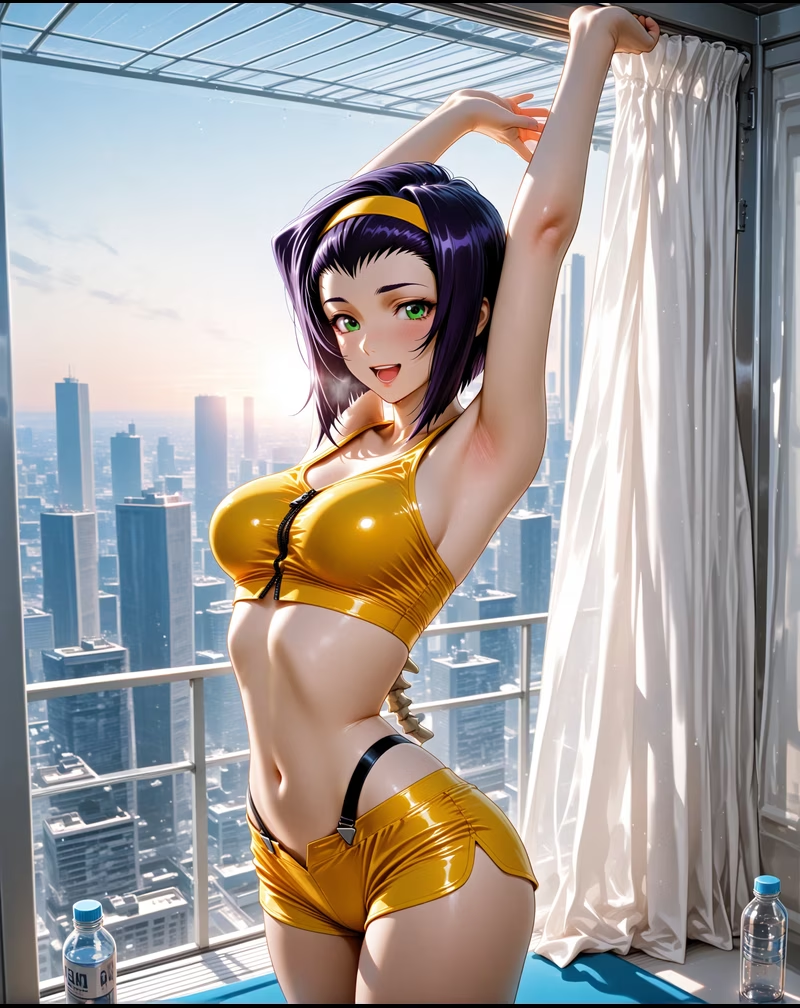
i2v
Faye Valentine
フェイ・ヴァレンタインは未来世界の賞金稼ぎで、独立心が強く狡猾で魅力的な女性。事故で冷凍保存され記憶を失い…
568
What is i2v (image-to-video)?
The technology that animates a still image
i2v (image-to-video) takes a single still image as input and adds motion to it while preserving the image's content. Unlike t2v (text-to-video), the character's face, outfit and background stay consistent across the clip.
Kales i2v is one tap away from any Kales-generated image — just hit the 'Animate' button. Having image generation and animation in a single product is a real advantage other tools don't match.
Why i2v shines
i2v wins on several fronts:
- Character consistency:The face and outfit in the image stay locked.
- Speed:Image is already prepared, so animation is fast.
- Predictability:Image-grounded results are stable run-to-run.
- Beginner-friendly:No complex prompt construction needed.
Image to video (i2v) FAQ
Q1. Can I use any image?
Kales-generated images give the most stable results. External images are also supported, but in-Kales images animate more reliably.
Q2. How long is each clip?
Standard 5–10 seconds — the ideal length for social shorts.
Q3. Is it free?
Yes. No sign-up to start. First-time Gems bonus + daily login rewards. Each clip costs 600 Gems.
Q4. Will the character look different in the video vs the image?
No. i2v preserves the image's face and outfit. t2v (text-to-video), by contrast, re-rolls the character on every run.
Q5. Can I use it commercially?
Yes. Kales-generated videos are cleared for commercial use.